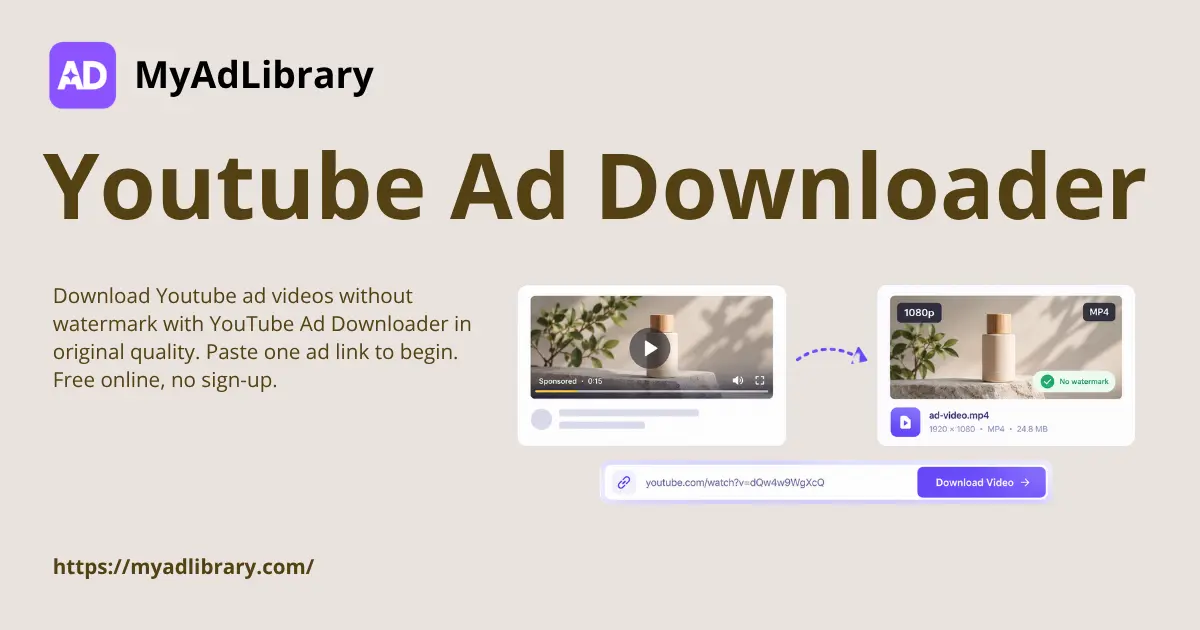
YouTube Ad Downloader pulls live YouTube ad videos down as clean files. YouTube ads often run as unlisted videos that search and downloaders cannot reach. MyAdLibrary reads the ad page and returns the real media with no watermark. Pair it with TikTok Ad Downloader and Facebook Ad Downloader.
Why Choose YouTube Ad Downloader?
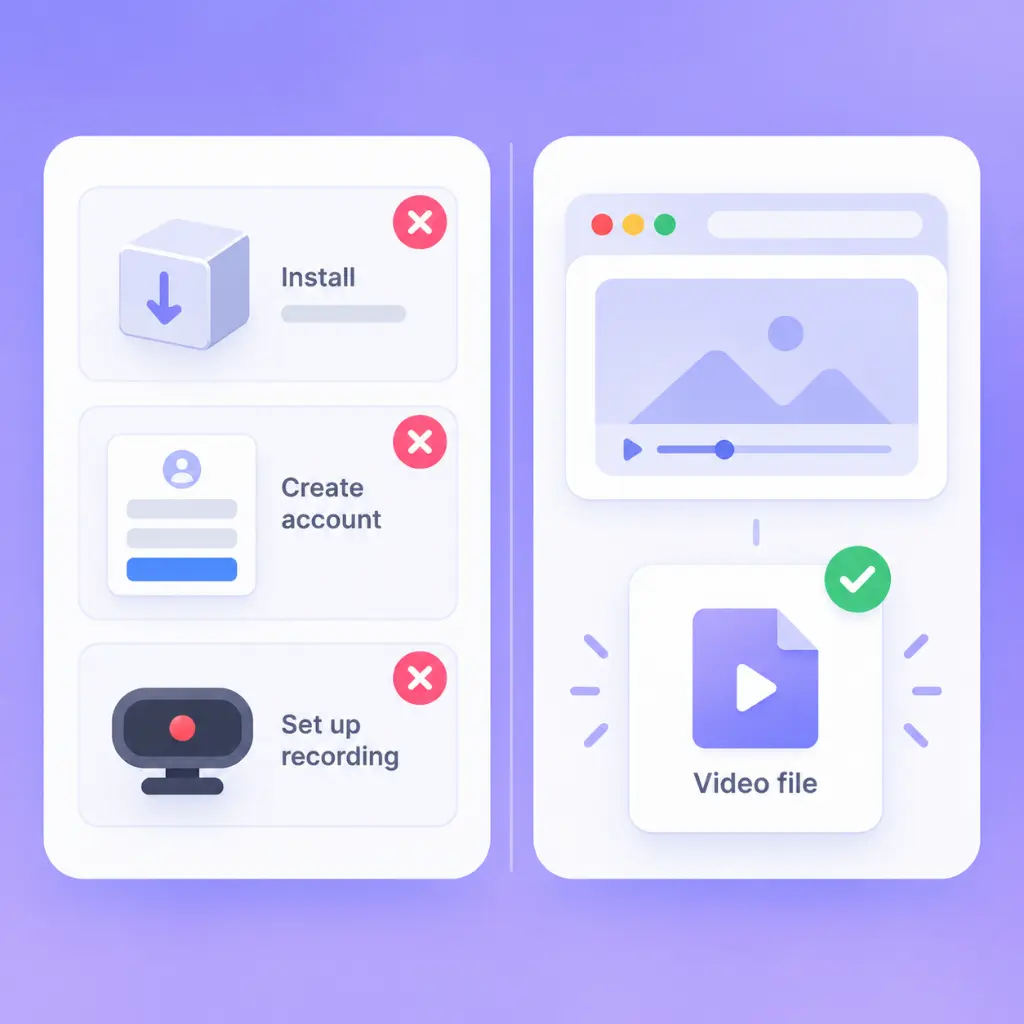
YouTube Ad Downloader works in the browser, so nothing is installed and no account is needed. It returns the file the advertiser actually published, not a screen recording, so detail stays readable. MyAdLibrary keeps quality intact and files free of overlays.
Copying YouTube Ads by Hand Wastes a Whole Afternoon
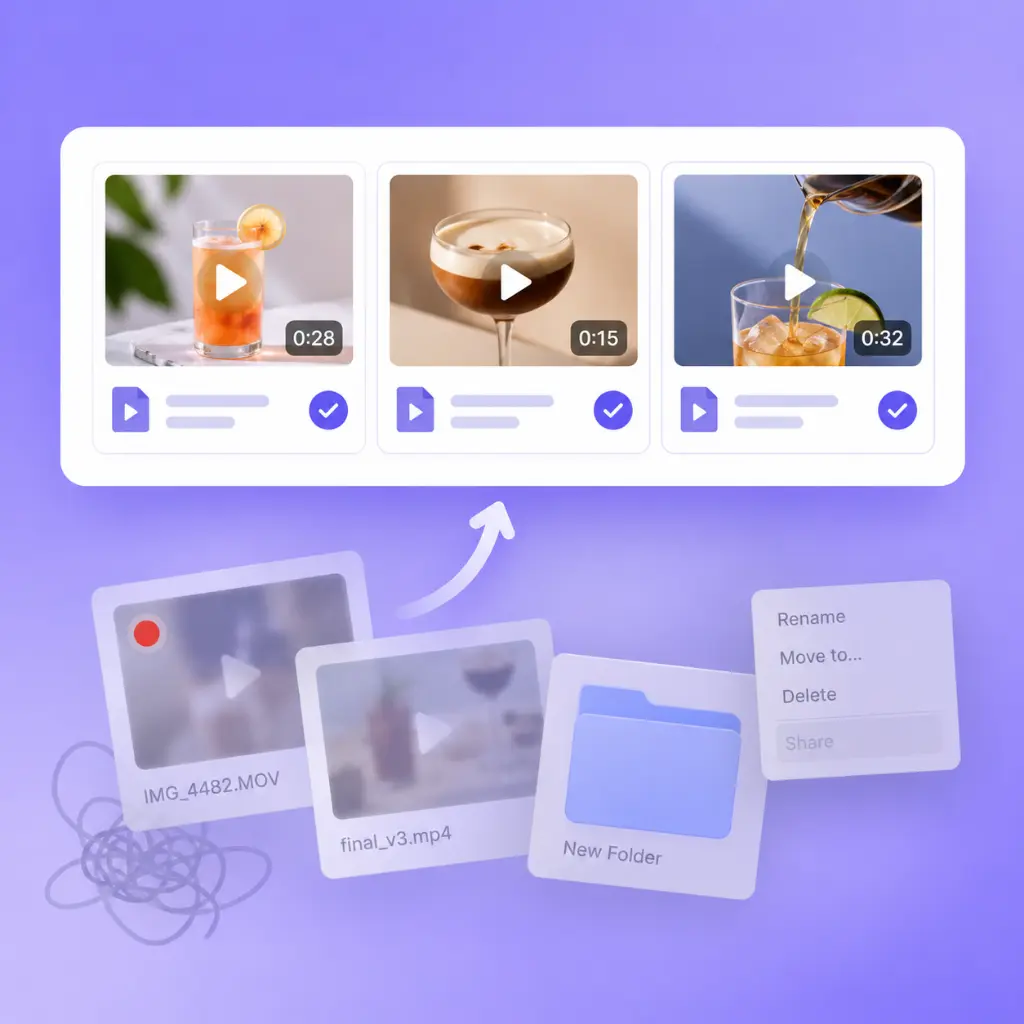
YouTube Ad Downloader ends the manual loop. YouTube gives you a player, not a file, and right-click often fails. Screen recordings look soft and carry interface clutter. MyAdLibrary returns clean files in one pass, so a report that needs twenty ads stops eating a day.
What YouTube Ad Downloader Handles For You
MyAdLibrary keeps the flow simple: one link in, one clean file out, with the media and the ad data that explains it.
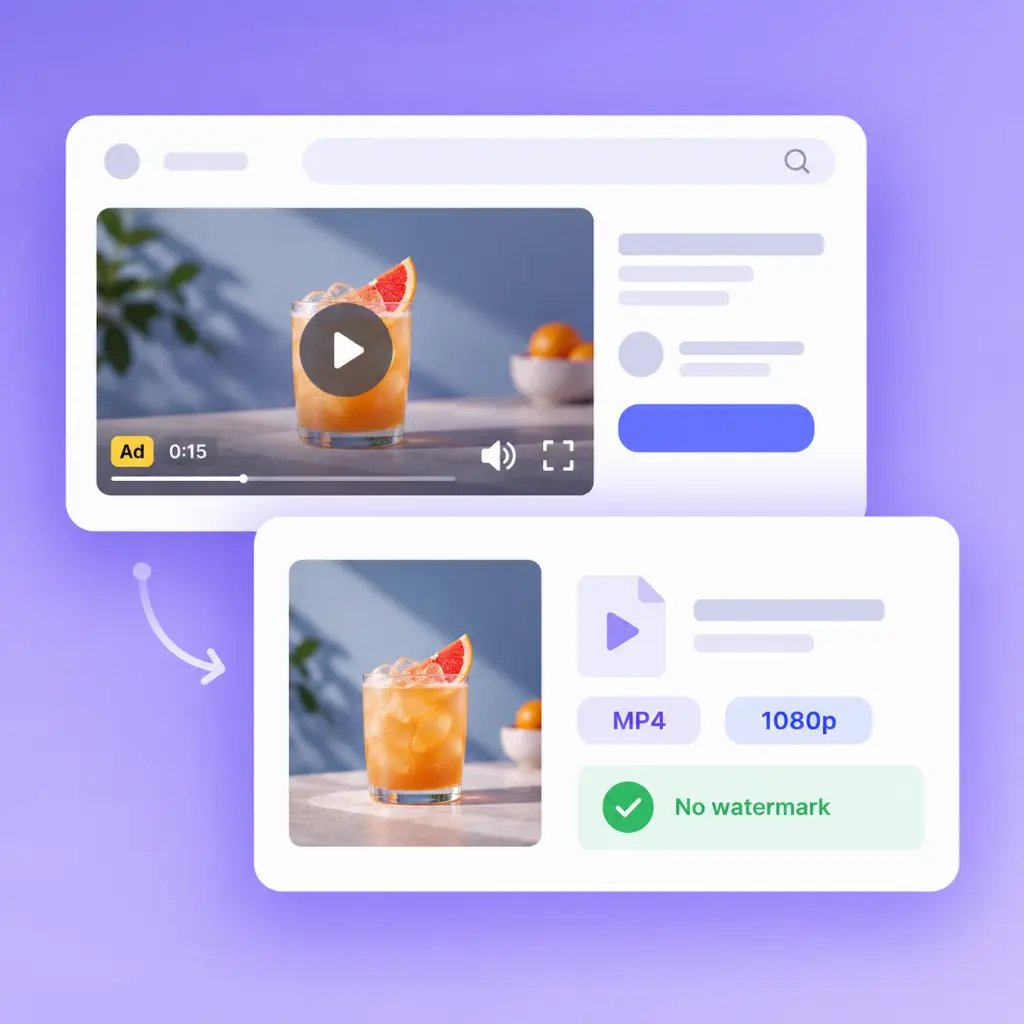
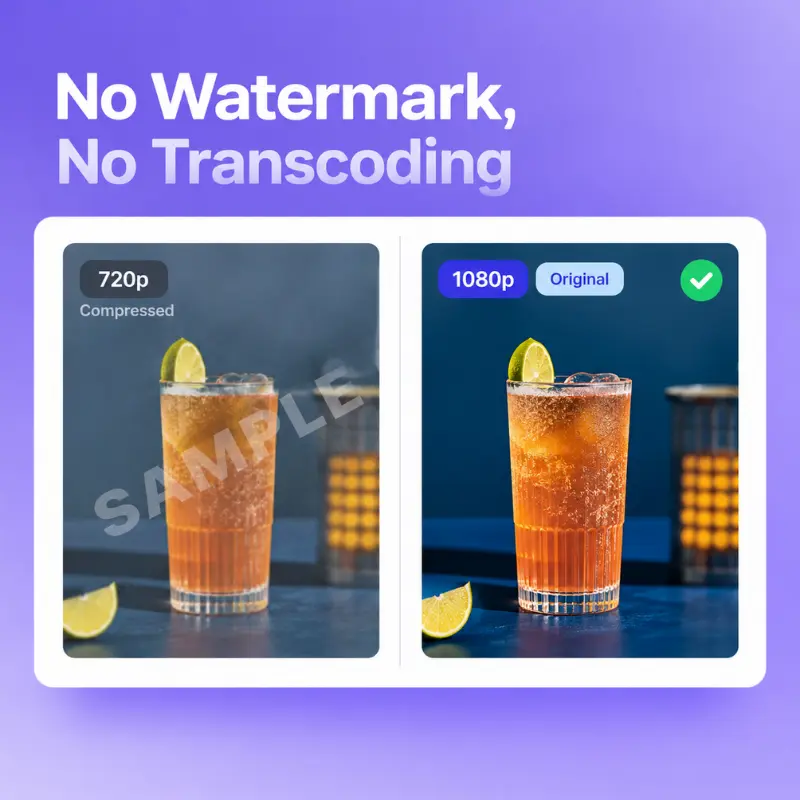
No Watermark, No Extra Step
Files arrive as the original video file the advertiser published, with no watermark and no re-encoding, ready for an editor or a client.
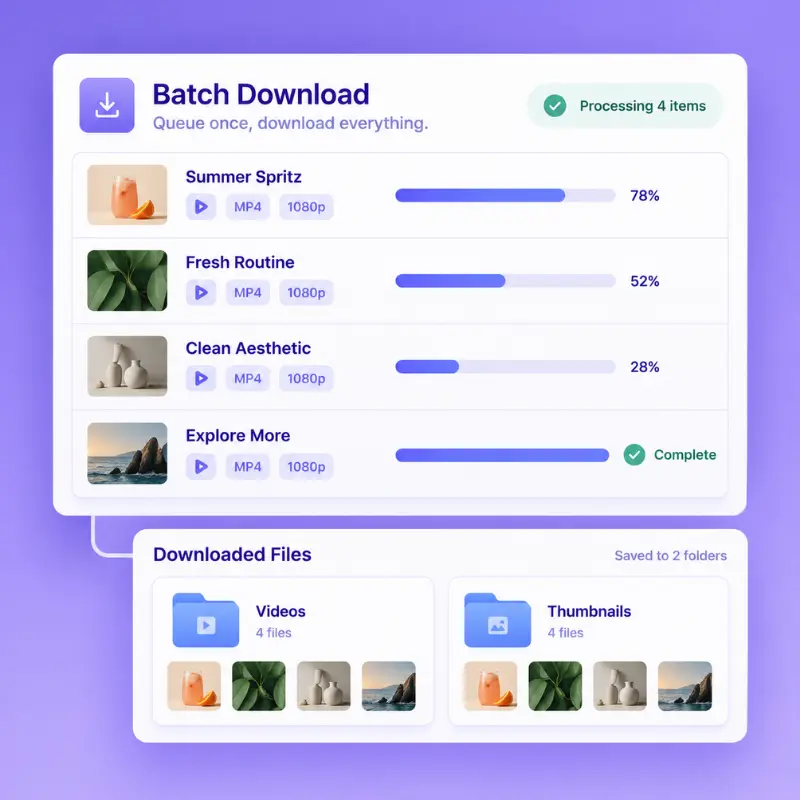
Batch Pull Ad Creatives
Queue several YouTube ads from one research pass and pull them in one go. Video files and thumbnails land in separate folders for review.
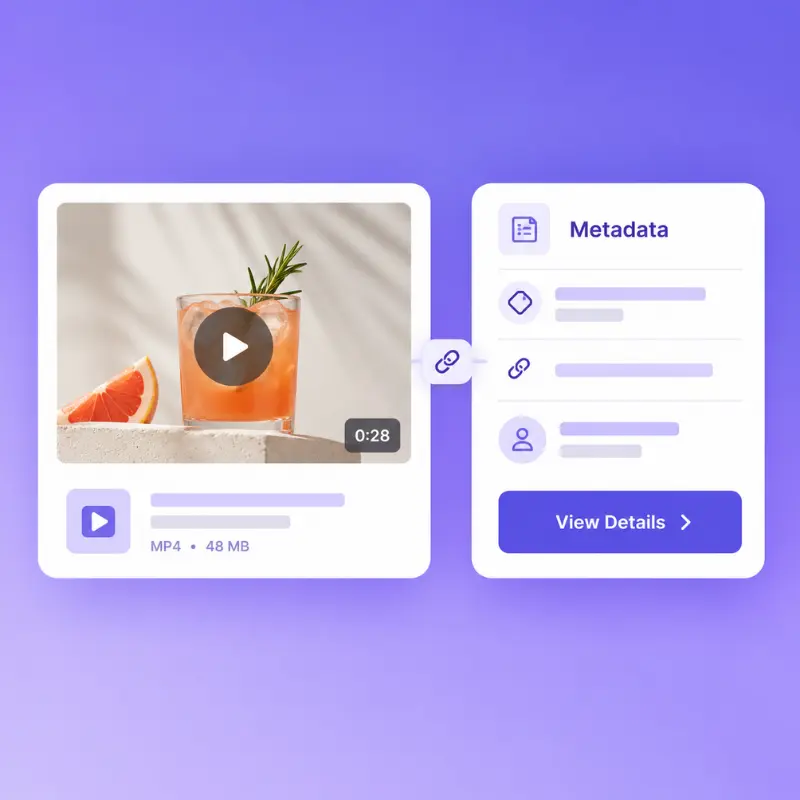
Ad Copy and Metadata Kept
Each download carries the ad copy, CTA label, landing page and advertiser name with the media, so a saved ad explains itself months later.
Using YouTube Ad Downloader
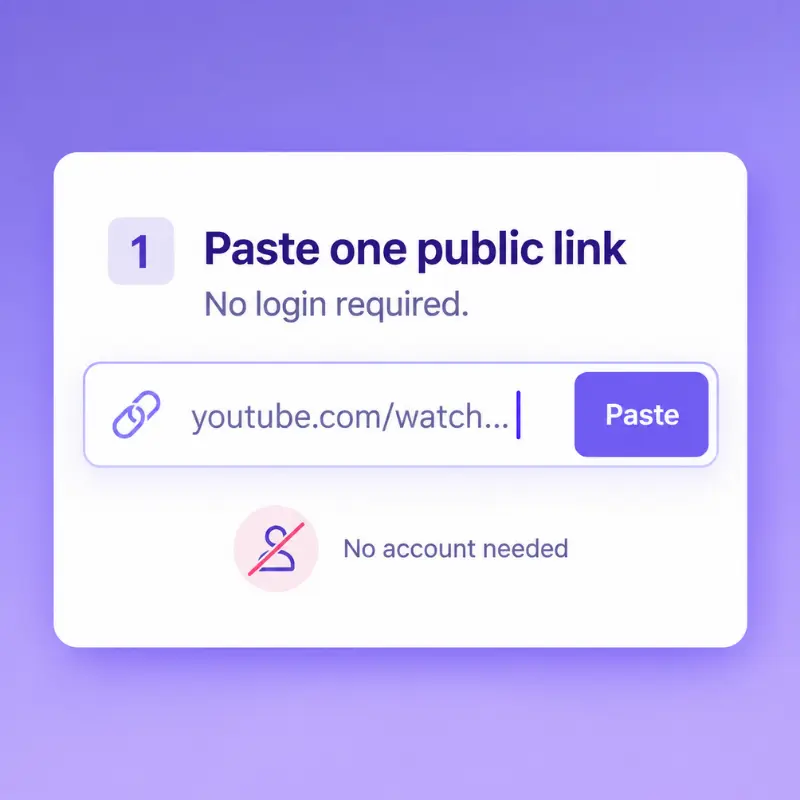
Step 1: Paste the Ad Link
Open the ad on YouTube, copy the address and paste it into the field. Only a public address is needed, and no login is involved at all.
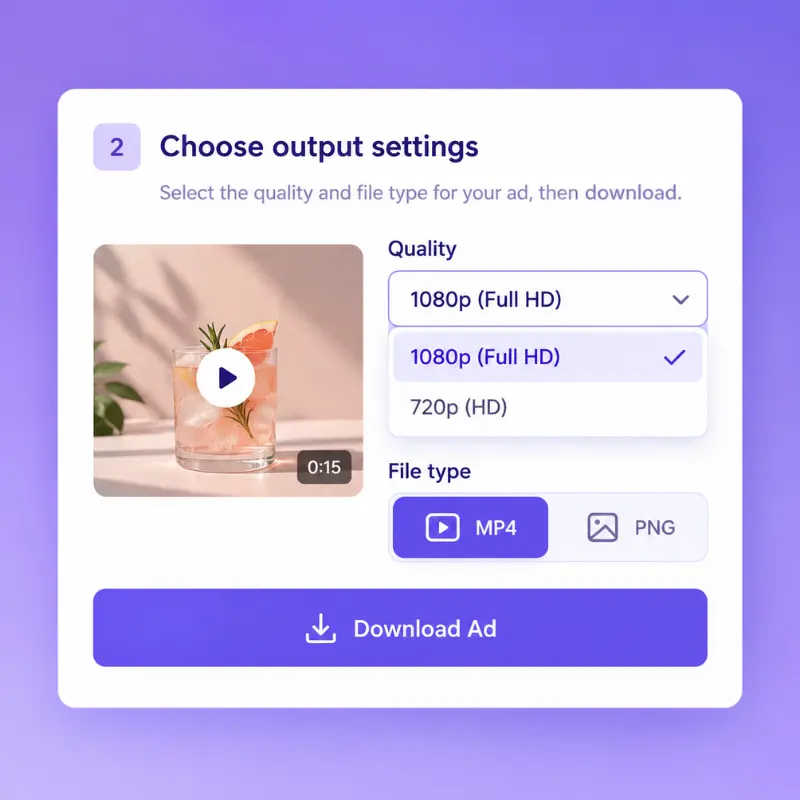
Step 2: Pick Quality and Type
Choose the resolution and the file type before the export runs. The list shows what the advertiser published, so you can match the source.
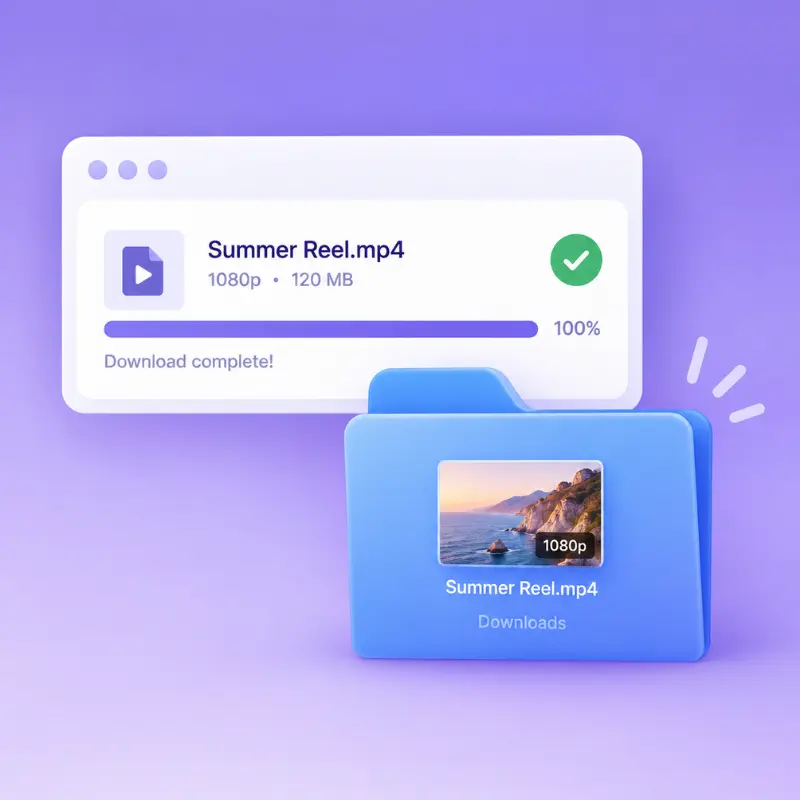
Step 3: Download the File
The file lands in your downloads folder at the published resolution, ready to drop into a brief, a swipe deck or a frame-by-frame teardown.
Build Your Swipe File With YouTube Ad Downloader
Keep the ad videos worth studying, in original quality and free of watermarks. MyAdLibrary turns casual browsing into a searchable library you can open when a campaign needs a new angle.
We run YouTube Ad Downloader across five client accounts and it replaced a stack of manual steps. Pulling a competitor's full set of YouTube ad videos used to take an afternoon of screen recording; now it is one pass and everything lands in a folder. The files stay useful weeks later, when a client asks why we moved the angle we chose.
Elena Vargas
Performance Marketer, DTC Brand
YouTube Ad Downloader gives me the raw video file instead of a screen capture, so I can study hook timing frame by frame. Audio stays clean too, which matters when a voiceover carries the offer. That combination changed how our creative team briefs new tests every week. Nothing else we tested kept the audio that clean.
Taylor Brooks
Creative Strategist, Ecommerce
My reference folder used to be a mess of screenshots with no way to tell which brand they came from. YouTube Ad Downloader changed that, because every download keeps the advertiser name and the ad copy attached. Building a swipe file finally feels like real research rather than hoarding, and the habit pays off every single week.
Marcus Reed
Freelance Ad Consultant
Clients ask for competitor breakdowns on short notice and YouTube Ad Downloader makes that realistic. I grab the live creatives, note how long each has been running, and present the pattern in the same session. The batch pass means I am not charging for time spent copying links one at a time. Clients notice the speed.
Sophia Bennett
Head of Content, UGC Studio
My editors need clean files, not watermarked previews. YouTube Ad Downloader from MyAdLibrary returns the original video, so pacing, captions and B-roll timing stay readable. Batch download plus organised per-ad folders means a full reference set is ready before the brief is written, and it saves a full day each month.
Daniel Okafor
Founder, Lead Gen Agency
We used YouTube Ad Downloader to see which advertisers had been running the same creative for months, then studied those files closely. The metadata that travels with each download made the pattern obvious fast. It is the cheapest competitive research step in our workflow, and MyAdLibrary makes it repeatable every week.
Frequently Asked Questions About YouTube Ad Downloader
Public ad creatives are visible to everyone, and YouTube Ad Downloader is built for research and reference use. Treat every downloaded file as study material rather than an asset to republish as your own. Check the rules of the platform you advertise on and the rights of the original advertiser before any commercial reuse.
YouTube Ad Downloader runs in a browser, so phones and tablets work as well as desktop machines. Most people still do their research on a larger screen, because comparing several creatives side by side is far easier there. Save the ads you spot on mobile and review them properly later, MyAdLibrary keeps them all in one place.
YouTube Ad Downloader runs on Chrome and other Chromium-based browsers, and the extension follows the same rules when you prefer one-click saving while you browse. Neither path changes the file you get, so pick whichever fits how you already work. Both paths keep the same workspace and the same folder structure.
YouTube Ad Downloader returns the resolution the advertiser published instead of compressing it down. That matters when you inspect fine detail such as on-screen text, product shots or subtitle placement. Very large files may take longer, so give longer ads a moment before assuming the download failed.
YouTube Ad Downloader offers free usage for the core download flow, so you can paste an ad link and save the file without paying first. Paid plans exist for people who pull creatives every day and need higher limits, and the difference is mainly volume rather than basic access. Start free and see how far the free volume takes you.
No account is required to save public ads, and YouTube Ad Downloader never asks for your own credentials. It works from the ad pages YouTube already serves to anyone. That keeps personal accounts out of the research workflow. Your research stays separate from your live ad accounts at every single step.
Yes. YouTube Ad Downloader is built for exactly this case, because most in-stream ads are uploaded as unlisted videos that never appear in search results. Paste the ad address while it plays and YouTube Ad Downloader resolves the media behind the player rather than relying on a right-click. It works the same for skippable and non-skippable ads.
Yes. Every file from YouTube Ad Downloader comes with the ad copy, CTA label, landing page address and advertiser name attached. That context is what turns a folder of video files into research you can actually cite, because each clip still explains what it was selling. The copy and the media travel together every time.
A region lock, a captcha from pulling pages too fast, or an advertiser deleting the ad can all stop a session. YouTube Ad Downloader returns an empty file when that happens rather than a helpful error. Retry once, then move on. Give it a few minutes and then try the same link once more before moving on.
Yes. YouTube Ad Downloader stores what you collect in one workspace, so a teammate can open the same folder instead of asking you to resend files. Agencies running several brands often keep one collection per account and top it up weekly ahead of client check-ins. That keeps reviews short and every brand on the same page.
YouTube Ad Downloader covers the ad formats YouTube serves to viewers, including short vertical placements alongside standard in-stream creative. The vertical format rewards a different opening rhythm, so keep those files in a separate folder when you compare hooks across formats. Comparing hooks side by side is much easier that way.
YouTube Ad Downloader keeps saved ads in your workspace until you remove them, so a reference collected for one campaign is still there for the next. Nothing is published or shared with other users by default, and you decide which items are worth keeping. Delete anything you no longer need and keep the rest.