Shopify Sales Tracker

Coming soon. No live sales collection is available.

Coming soon

Live tracking is in development

Explore the planned workflow below. For research today, try our free store and app tools.

Shopify Sales Tracker

Give competitor research a reason to continue. Preview a free tool planned around store estimates, product changes and a record you can revisit. Live tracking is coming soon.

MyAdLibrary Shopify Sales Tracker — free workflow preview at myadlibrary.com/shopify-sales-tracker

What Is MyAdLibrary’s Shopify Sales Tracker?

The Shopify Sales Tracker is a planned free tool for following competitor stores over time. MyAdLibrary is exploring a workflow that brings modeled sales, product changes and collection history into one research trail. Live tracking is not available yet.

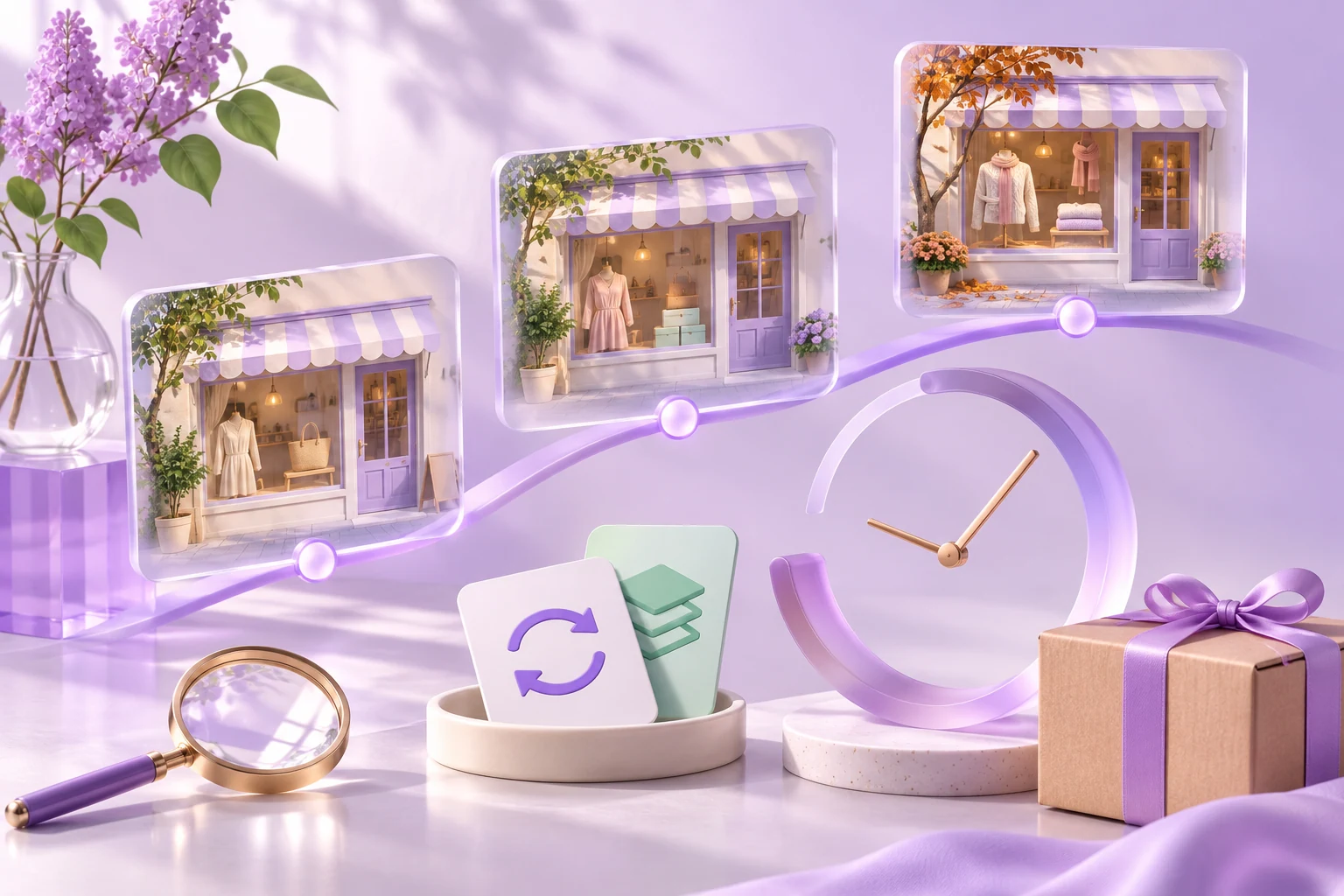
A conceptual store observation timeline with repeated frames and a clock

A saved store link cannot tell you what changed

An offer can look promising on one visit. Shopify Sales Tracker is planned to support a second look, helping you compare later observations before choosing which product question to test.

One store snapshot compared with a sequence of observations over time

A Shopify Sales Tracker Built Around Your Next Question

Bring the useful details into view, then decide what deserves your attention.

Keep a reason to revisit each store

The Shopify Sales Tracker preview organizes tracked stores around a research question. The proposed watchlist separates active, paused and awaiting-snapshot states. The planned Shopify store tracker would give each follow-up a clear purpose.

Read estimates with their context

The Shopify Sales Tracker preview pairs modeled metrics with a period, currency and collection context. Product and price changes remain distinct from estimated sales.

Build on a free research workflow

Shopify Sales Tracker is planned as a free feature. While live tracking is in development, use the available store and app tools to prepare your competitor research.

Put Shopify Sales Tracker Into Your Research Workflow

From an interesting storefront to a question you can act on.

Follow a focused set of reference stores

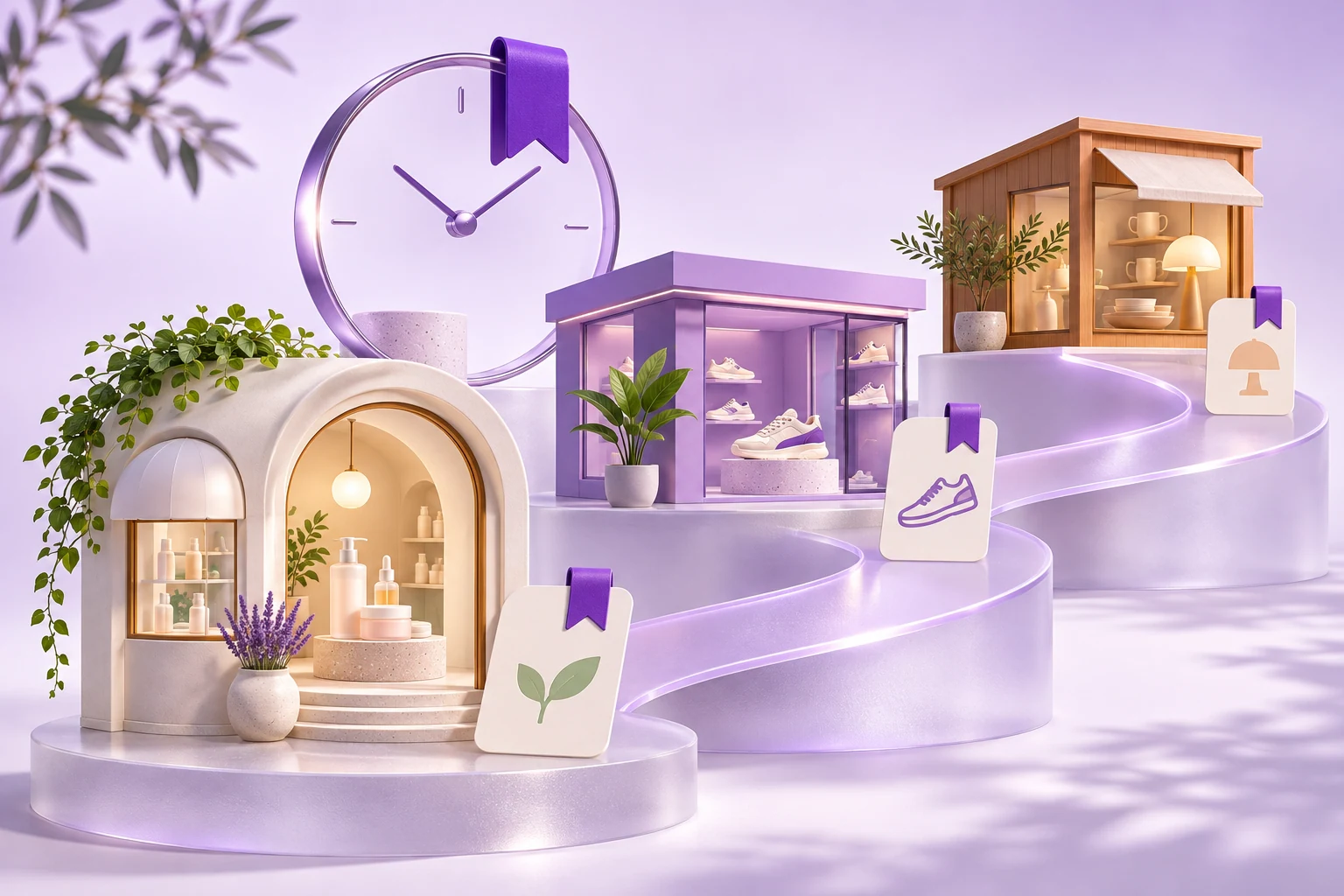
The Shopify Sales Tracker concept begins with a store you have a reason to watch: a shared audience, a comparable offer or a product category you know. Its proposed tracked-store list would help organize follow-up checks instead of leaving the store buried in bookmarks. The preview shows status filtering and separate states for tracking, pausing and awaiting an initial snapshot. These are planned interactions rather than a live collection service. Build your own shortlist now and note what you hope to learn from each store, so a future tracking record has a practical purpose.

Three distinct reference stores arranged as a conceptual competitor watchlist

Compare product activity with modeled sales

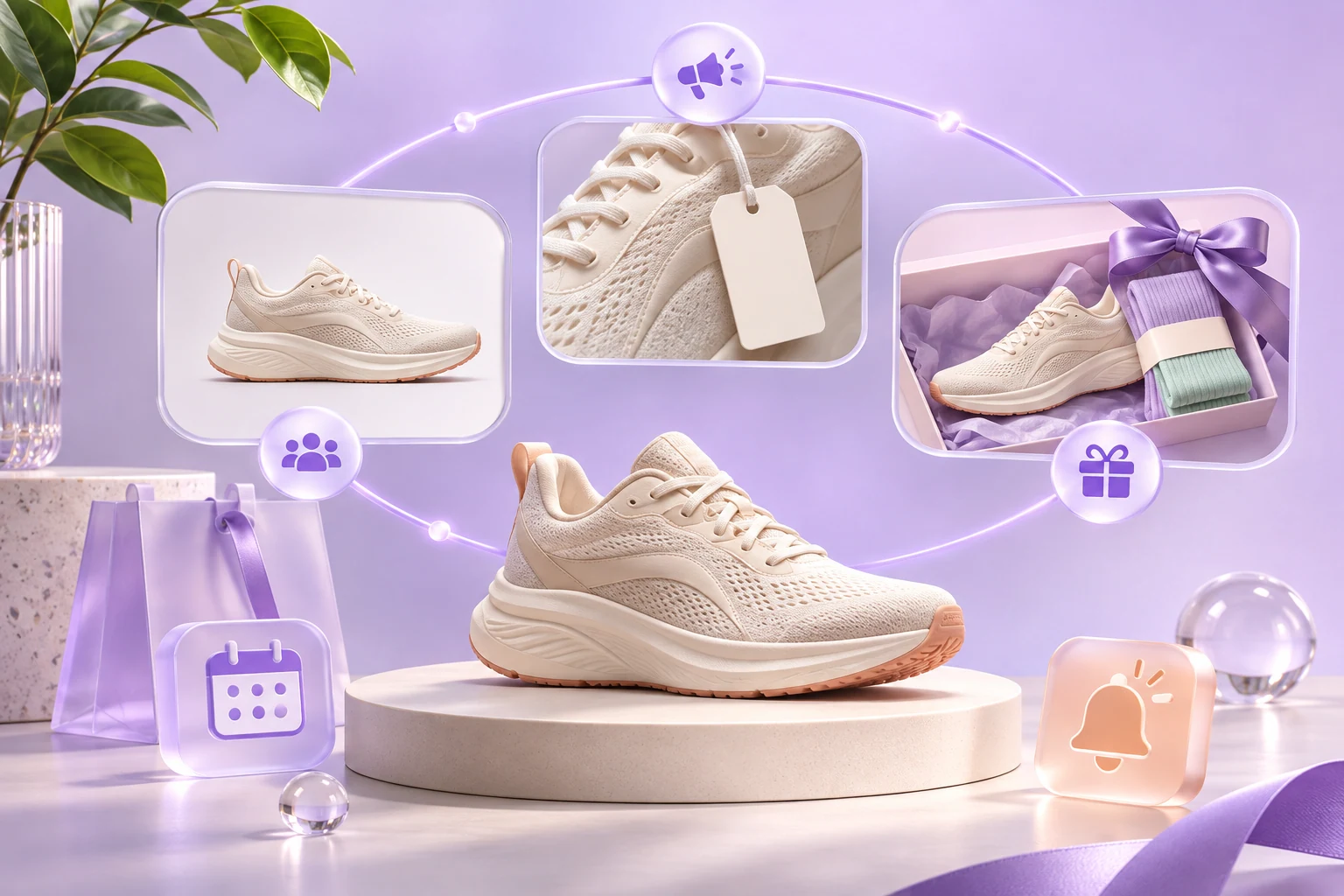
The Shopify Sales Tracker preview includes an illustrative product table with estimated units, estimated revenue and a trend indicator. A future Shopify competitor sales tracker could make that context useful for deciding which item to study again. Keep an observed new product or price change separate from a modeled sales estimate. Open the current product page to check the offer and availability yourself. The preview’s figures are fictional examples, so they cannot support a finding about any real store. Product research should end with a question you can investigate, rather than an assumption that a competitor’s apparent success will transfer to your catalog.

Repeated observations of a shoe product showing merchandising and offer changes

Judge a trend on a comparable timeline

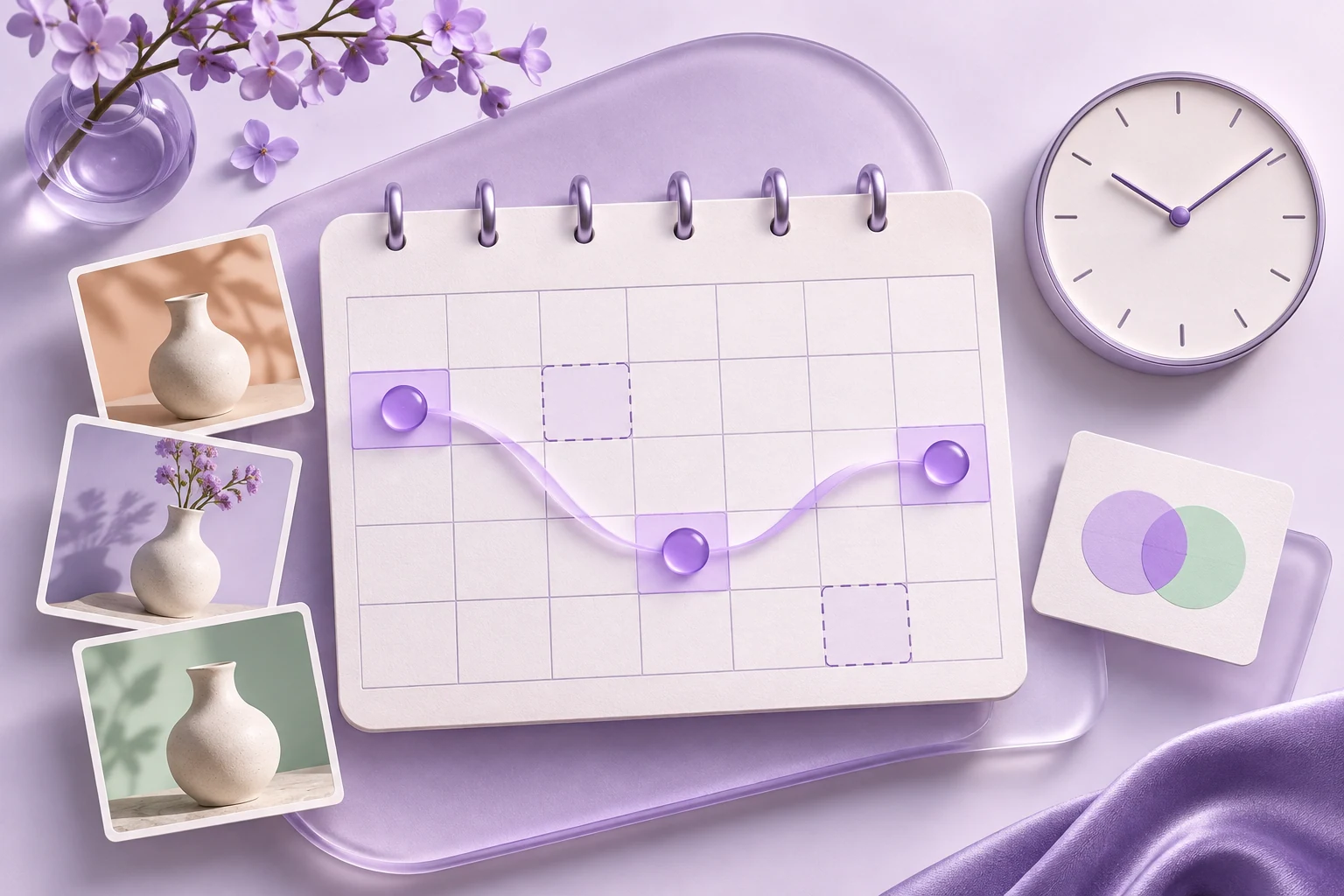
The Shopify Sales Tracker concept includes period controls and an estimated revenue chart. A useful comparison would need matching date ranges, currency and collection coverage. Watch for missing observations and changes in the reporting window before describing growth. As with any Shopify sales estimates, a modeled number is a directional input rather than a verified order ledger. The preview illustrates how this information could be presented, without promising live collection intervals or historical coverage. Use it to define the questions a future report should help answer, such as whether an offer deserves a later check.


An unnumbered calendar and observation markers representing comparable research periods

Bring the follow-up into your creative research

A future Shopify Sales Tracker record could add context to the ads and offers you already study. Keep relevant creative references in Swipe File, write down the store observation and choose one test for your own audience. While tracking is being developed, use Shopify Store Analyzer to review available traffic and catalog context. An offer change and an estimate moving together would still need further investigation; timing alone cannot establish causation. Judge your own experiment with its costs, conversions and customer feedback before deciding whether to expand it.

A product moodboard combining repeat observations, ad references and a planned creative test

How to Explore the Shopify Sales Tracker Preview

Explore the planned workflow and prepare your research while live tracking is in development.

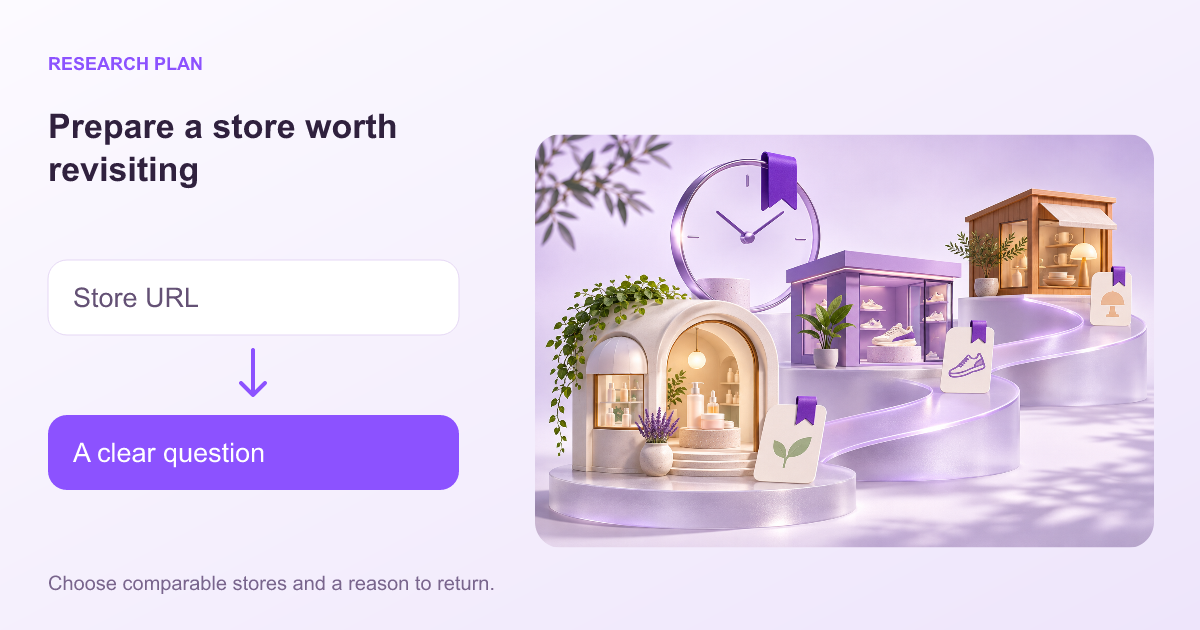
  1. Choose a store and a question to follow

    Prepare a public storefront URL and record why it matters. The Shopify Sales Tracker preview begins with a store report; it does not collect live sales.

    Prepare a store worth revisiting: Store URL → A clear question
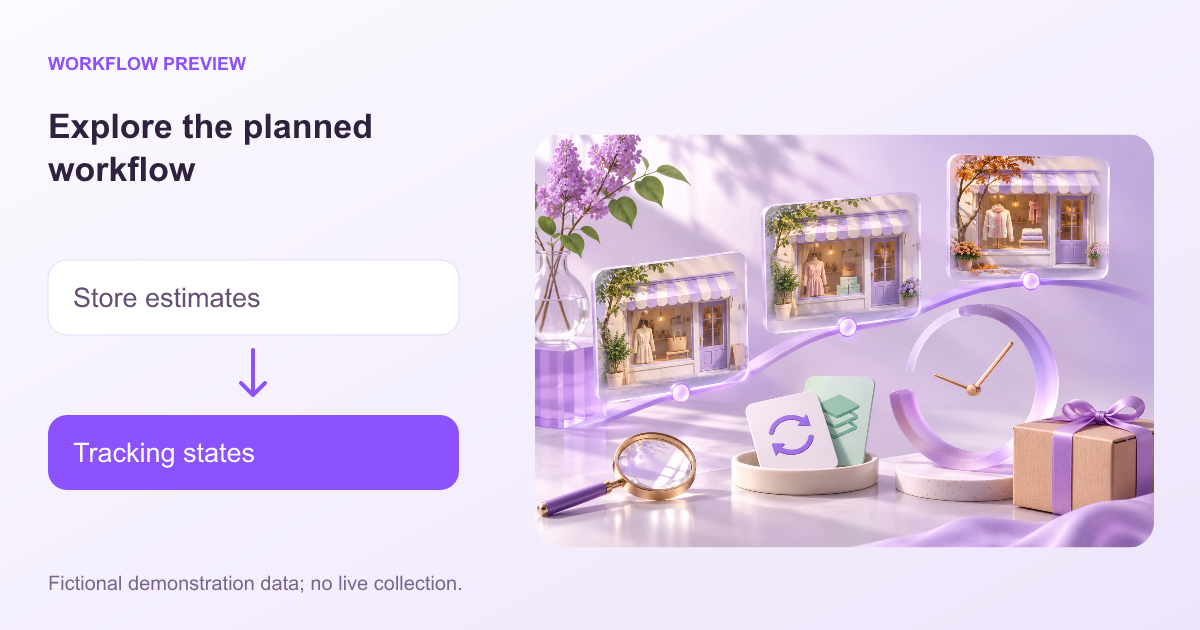
  2. Explore the proposed report and tracking states

    In the Shopify Sales Tracker preview, inspect the period controls, estimate labels and tracked-store states. All figures and example stores are fictional.

    Explore the planned workflow: Store estimates → Tracking states
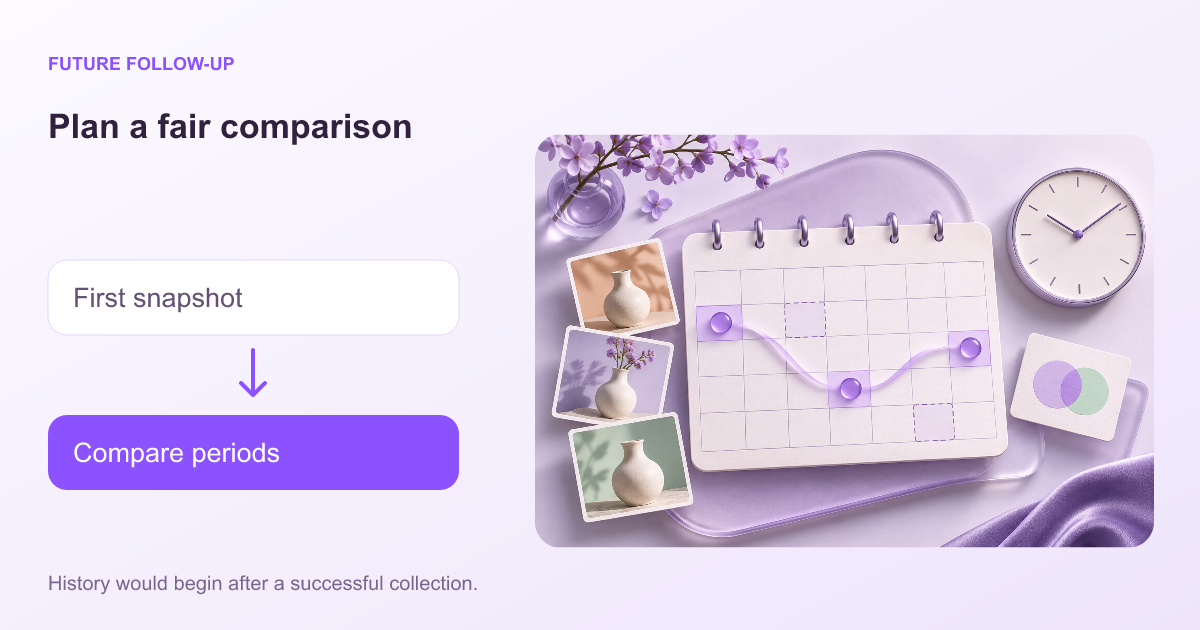
  3. Plan the evidence you will compare later

    For Shopify Sales Tracker, history would begin after successful collection. Decide which dates and product changes your research needs; use the available analyzer tools in the meantime.

    Plan a fair comparison: First snapshot → Compare periods

From Store Research to Your Next Creative Test

Prepare with the Shopify Sales Tracker preview, keep your store shortlist and collect relevant ad references. Live tracking is coming soon. The currently available analyzer and app detector can help you investigate the public storefront today.

Shopify Sales Tracker Workflow Examples

Workflow examples: six ways different roles could approach this research.

Workplace scene: Performance Media Buyer

Performance Media Buyer

A media buyer could use the Shopify Sales Tracker concept to plan follow-up store checks after collecting a set of relevant ad references.

Workplace scene: Creative Strategist

Creative Strategist

A creative strategist could use the Shopify Sales Tracker preview to decide which offer changes would be useful context for a future brief.

Workplace scene: Brand Marketing Lead

Brand Marketing Lead

A brand lead could use the Shopify Sales Tracker concept to keep comparable date ranges and store questions together in a research plan.

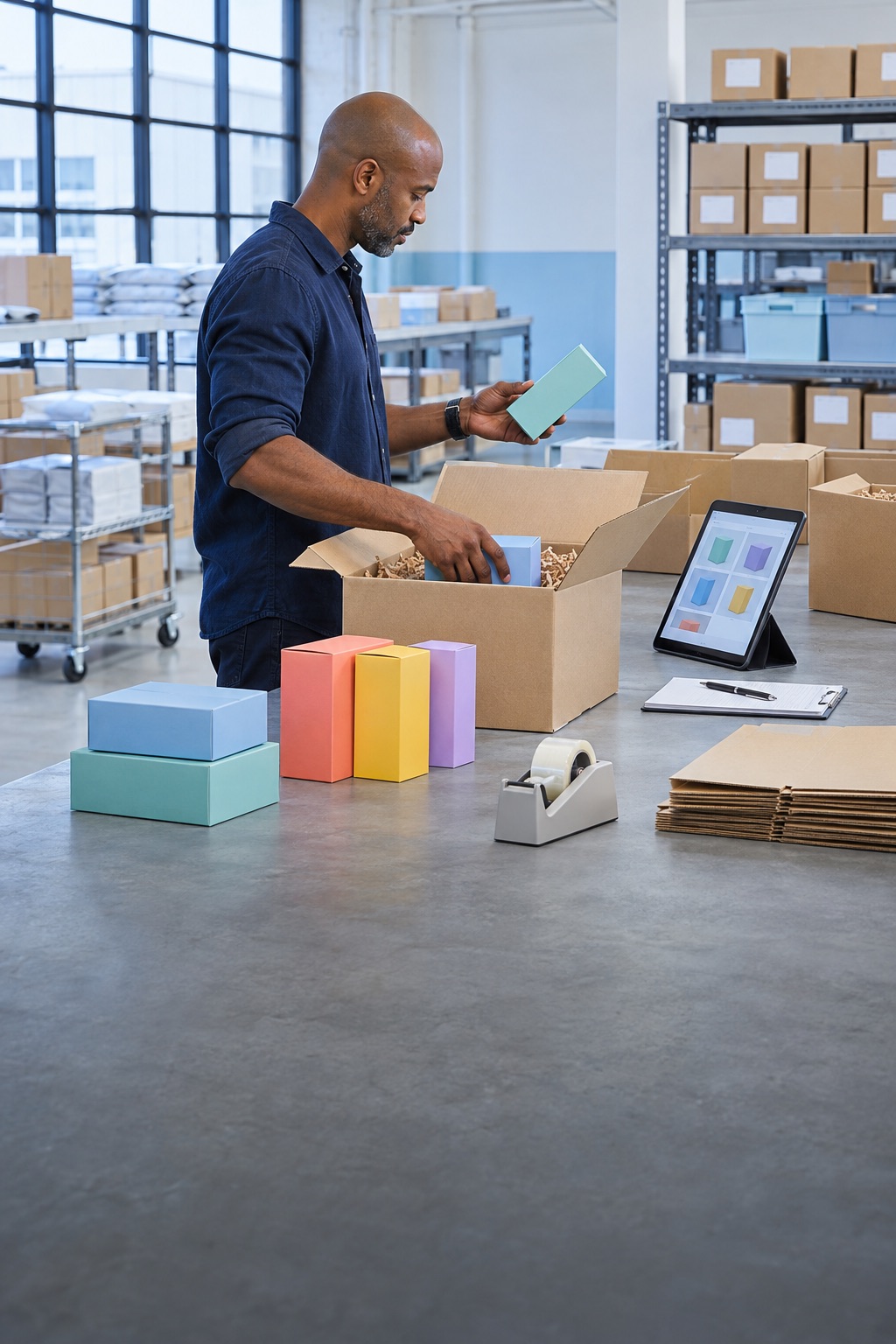
Ecommerce founder reviewing products at a packing station

Ecommerce Founder

An ecommerce founder could explore the Shopify Sales Tracker preview before deciding which products deserve repeat observation once tracking is available.

Agency strategists comparing creative references in a meeting room

Agency Strategist

An agency strategist could use the Shopify Sales Tracker concept to explain how estimates, public changes and collection gaps should be discussed with a client.

Freelance ad researcher taking notes at a dual-monitor workstation

Freelance Ad Researcher

An independent researcher could use the Shopify Sales Tracker preview to plan a store watchlist while keeping fictional demo figures outside any real market findings.

Shopify Sales Tracker: Your Questions Answered

Practical answers for your store research.

Is Shopify Sales Tracker available now?

Live Shopify Sales Tracker functionality is not available yet. This page introduces the planned free tool and its research approach; the reference prototype uses fictional data.

Will Shopify Sales Tracker be free?

Yes. MyAdLibrary plans Shopify Sales Tracker as a free feature. A release date and live collection service have not been confirmed.

What is the planned Shopify Sales Tracker workflow?

The concept starts with a public store URL, a report of available estimates and a tracked-store view for later observations. Those interactions are currently demonstrated in a prototype.

Can the preview track a real competitor’s sales?

No. The Shopify Sales Tracker preview demonstrates interactions with fictional stores and figures. It does not collect live sales or start background monitoring.

Will it reveal exact competitor revenue?

The planned Shopify Sales Tracker concerns modeled estimates and public signals. It should not be treated as access to another merchant’s verified revenue, private orders or Shopify admin.

Does adding a store create past sales history?

The concept starts a tracking history after successful collection. Adding a store would not create a historical order ledger; the preview includes an awaiting-first-snapshot state.

What would awaiting a snapshot mean?

It would mean that a successful collection has not yet produced the first record. In the Shopify Sales Tracker concept, this is a collection state rather than evidence of zero sales.

How often would store data update?

A live collection interval has not been confirmed. The Shopify Sales Tracker prototype illustrates a workflow; its example dates and daily charts are not a production update guarantee.

Are the prototype’s product rankings real?

No. Product tables in the Shopify Sales Tracker preview are illustrative. They cannot establish which products sell best at any real store.

Do price changes establish that a product sold?

No. A price or catalog change is an observation about the storefront. Sales estimates are modeled separately, and neither should be presented as a verified transaction.

What can I use while tracking is being developed?

Use Shopify Store Analyzer for available traffic, catalog and technology context, or Shopify Apps Detector for public app matches. Save useful ad references in Swipe File.

How should I prepare a competitor watchlist?

Choose comparable stores, keep their public URLs and write a question for each one. The Shopify Sales Tracker preview can help you plan what you would want to compare after collection starts.

Start with the store evidence available today

Live sales tracking is coming soon. Use the free store analyzer to research public products, estimated traffic and storefront technology.

Explore store data