
TikTok Ad Downloader
Download TikTok videos, photo posts, profiles and ads.
Preview, choose your files, and keep the source.
Try an example
- 1Paste a link
- 2Preview & choose
- 3Download
Free ad research tools
TikTok Ad Downloader
TikTok Ad Downloader helps you download ad videos and images for free. Paste a supported Ad Library or Creative Center link, review the returned creatives, and keep the useful references in Swipe File.
Download ads freeNo sign up to download within the available allowance. Sign in to save ads to Swipe File.
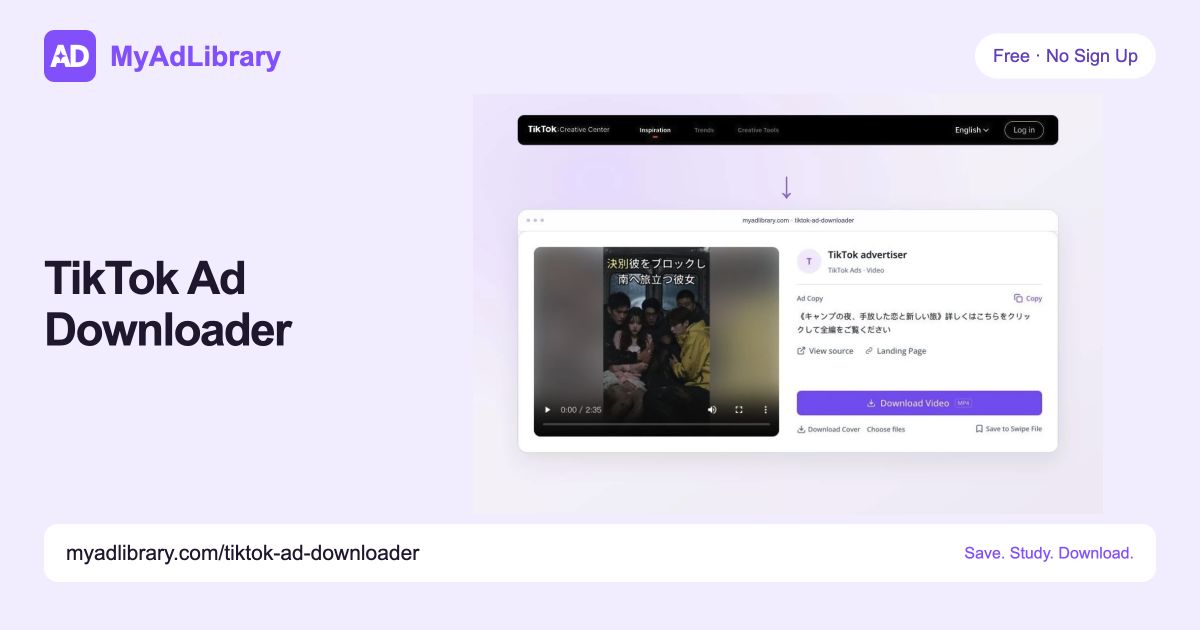
What is TikTok Ad Downloader?
MyAdLibrary brings creative files and source details together in TikTok Ad Downloader. Use the TikTok Ads Library downloader workflow for Commercial Content Library ads and advertiser collections, or download an individual Creative Center Top Ad. Keep copy and source links beside each file so your research remains easy to revisit.

Supported links for TikTok Ad Downloader
Start TikTok Ad Downloader with the source that matches your research task. Choose Commercial Content Library for an ad or advertiser collection, and Creative Center for Top Ads discovery.
Ad Library: one ad
Open Commercial Content LibraryFor one creative in TikTok Ad Downloader, copy the full Commercial Content Library ad-detail URL, retaining the ad ID and region.
https://library.tiktok.com/ads/detail/?ad_id={ad_id}Ad Library: advertiser
Find an advertiserTo research an advertiser with TikTok Ad Downloader, select the advertiser in Commercial Content Library, then copy the complete filtered URL.
https://library.tiktok.com/ads?region={region}&adv_name={advertiser}&adv_biz_ids={advertiser_id}&query_type=2Creative Center: Top Ads
Explore Creative Center Top AdsTikTok Ad Downloader also accepts individual Creative Center Top Ads links and supported discovery URLs. Keep market and time filters in the copied link.
https://ads.tiktok.com/business/creativecenter/topads/{ad_id}/pc/enhttps://ads.tiktok.com/business/creativecenter/inspiration/topads/pc/en?period=30®ion=JP
Keep Commercial Content Library and Creative Center sources distinct in TikTok Ad Downloader; their filters and returned fields differ.
How to use TikTok Ad Downloader
Use TikTok Ad Downloader for a single creative or advertiser research session. Copy the full source URL, review the returned assets, then download or save the references you need.
Copy the ad link
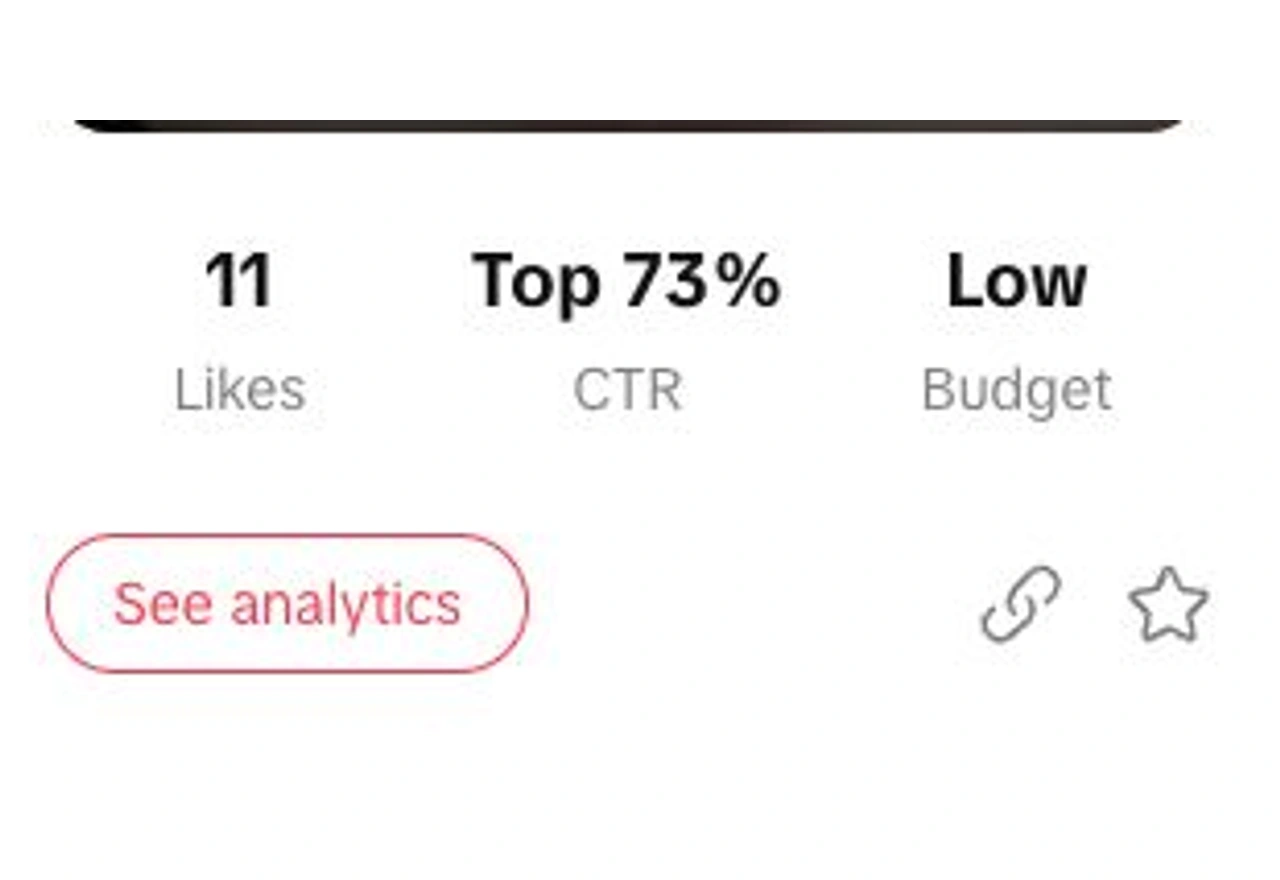
In Creative Center Top Ads, click the chain-link icon beneath the ad card. For Commercial Content Library, copy the full detail or advertiser-filtered URL for TikTok Ad Downloader.
Paste and inspect the creative
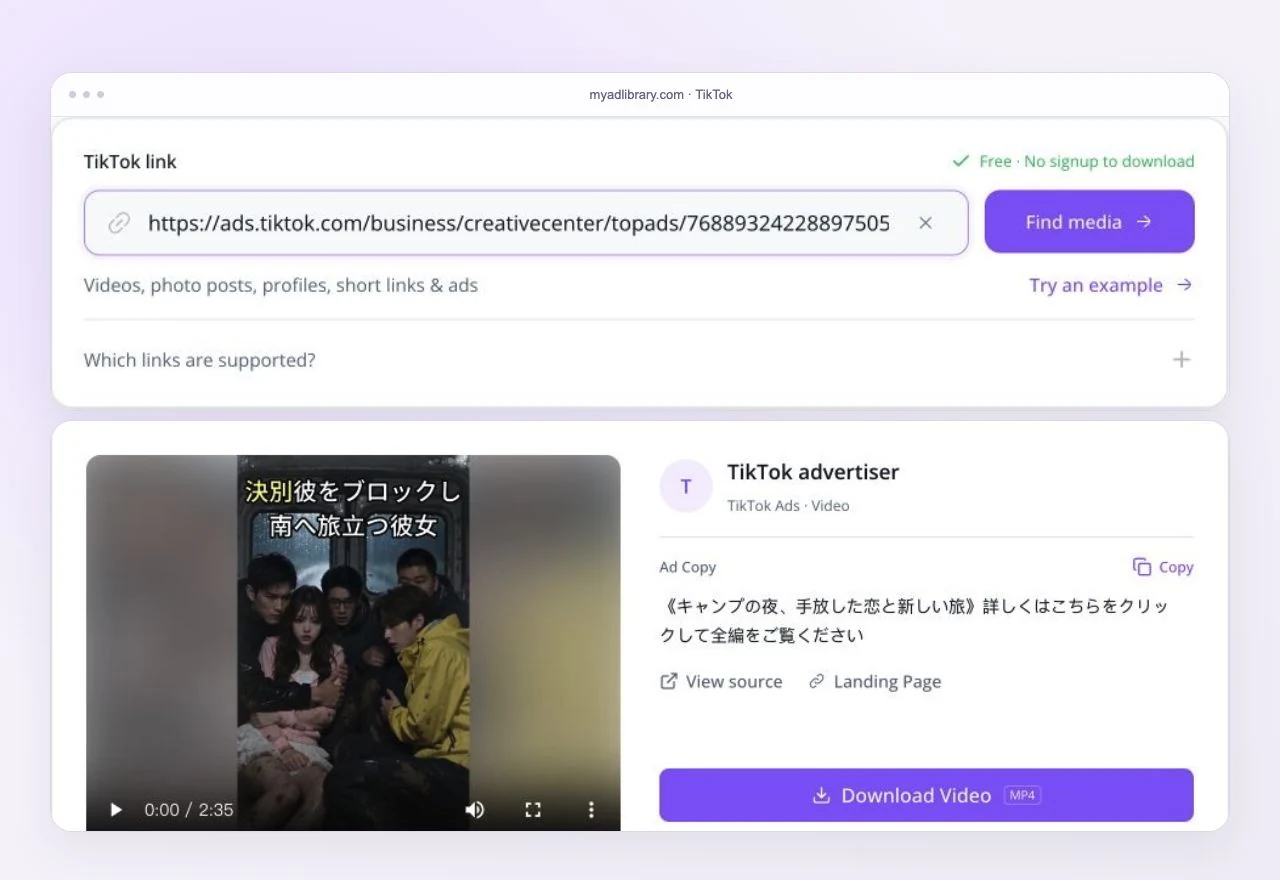
Paste the link into TikTok Ad Downloader above. Review the returned creatives and open an ad to inspect its video, images and available details.
Download and keep the reference
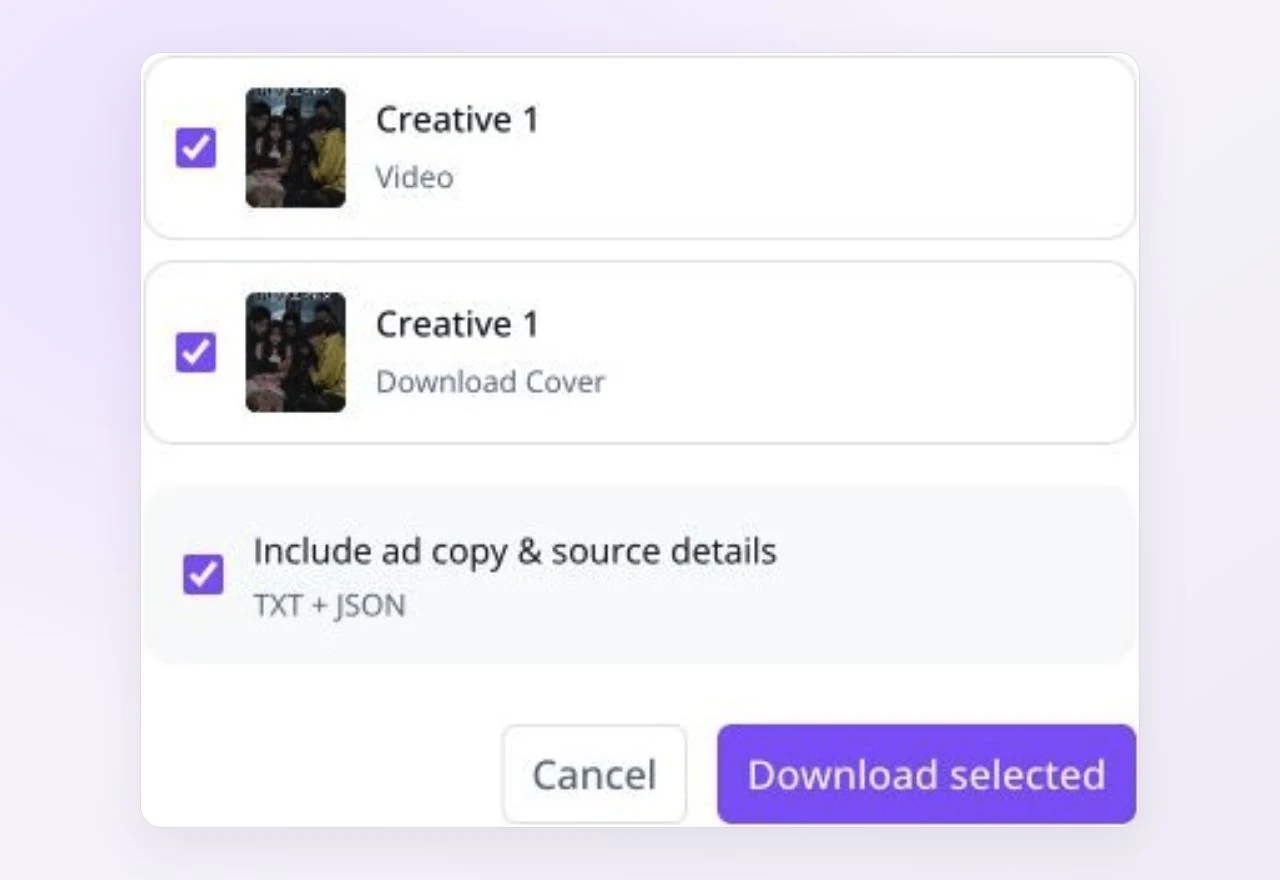
Choose your files in TikTok Ad Downloader and download them to your device. Sign in when you want to save selected ads to a Swipe File board.
Bulk research with TikTok Ad Downloader
Use TikTok Ad Downloader to start an advertiser review from one advertiser-filtered Commercial Content Library URL. Compare returned variations before selecting the references for your project.
Start from the advertiser filter
Give TikTok Ad Downloader the complete advertiser-filtered URL. Creator profiles collect public account content; the advertiser filter identifies the library research task.
Review available variations
Review the videos and images returned by TikTok Ad Downloader. Open each useful ad for its files; collection size depends on source availability and the limits displayed in the tool.
Keep source types separate
Use TikTok Ad Downloader for Creative Center discovery separately from advertiser collections. Keep each source label with the references you save to Swipe File.
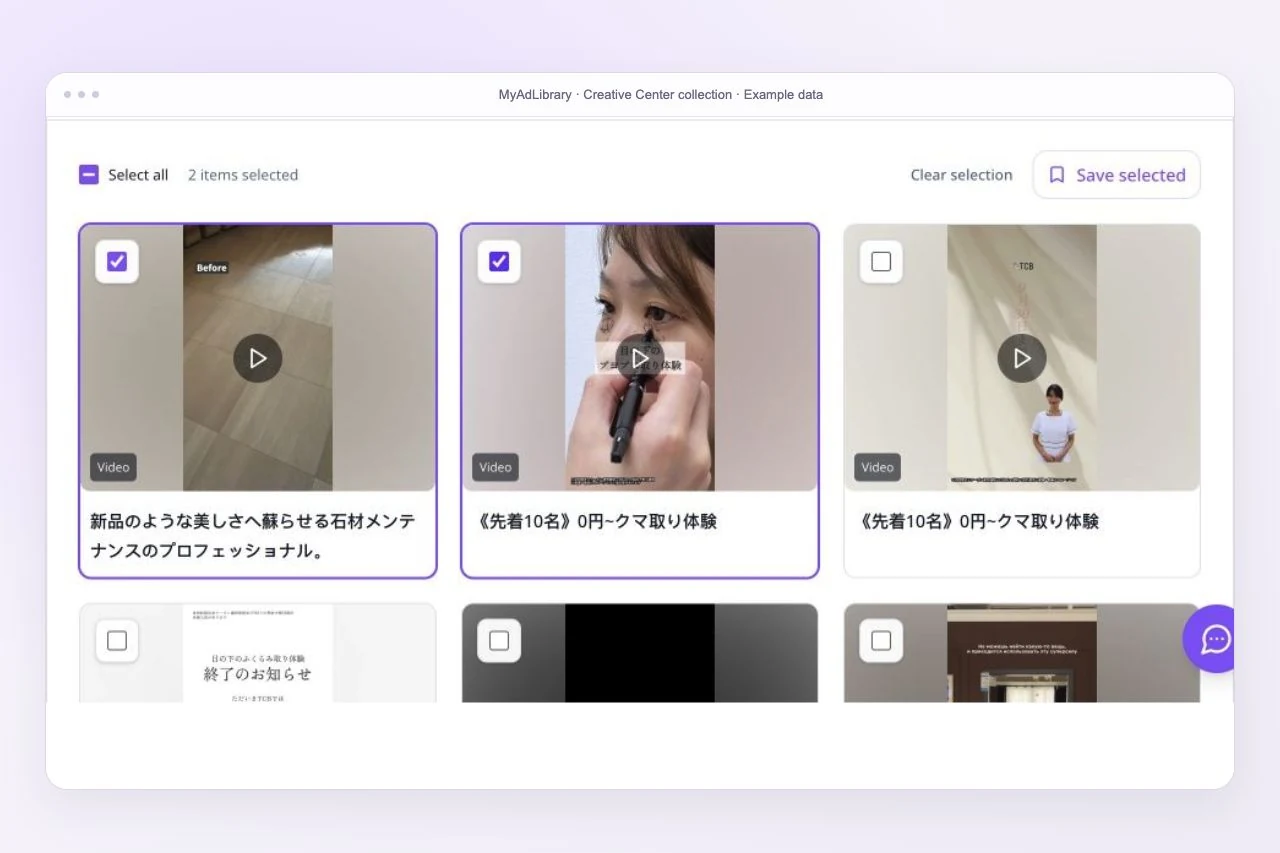
What TikTok Ad Downloader returns
Review TikTok Ad Downloader results before adding an ad to a brief. The media shows the creative; the available copy, advertiser and destination details explain its context.
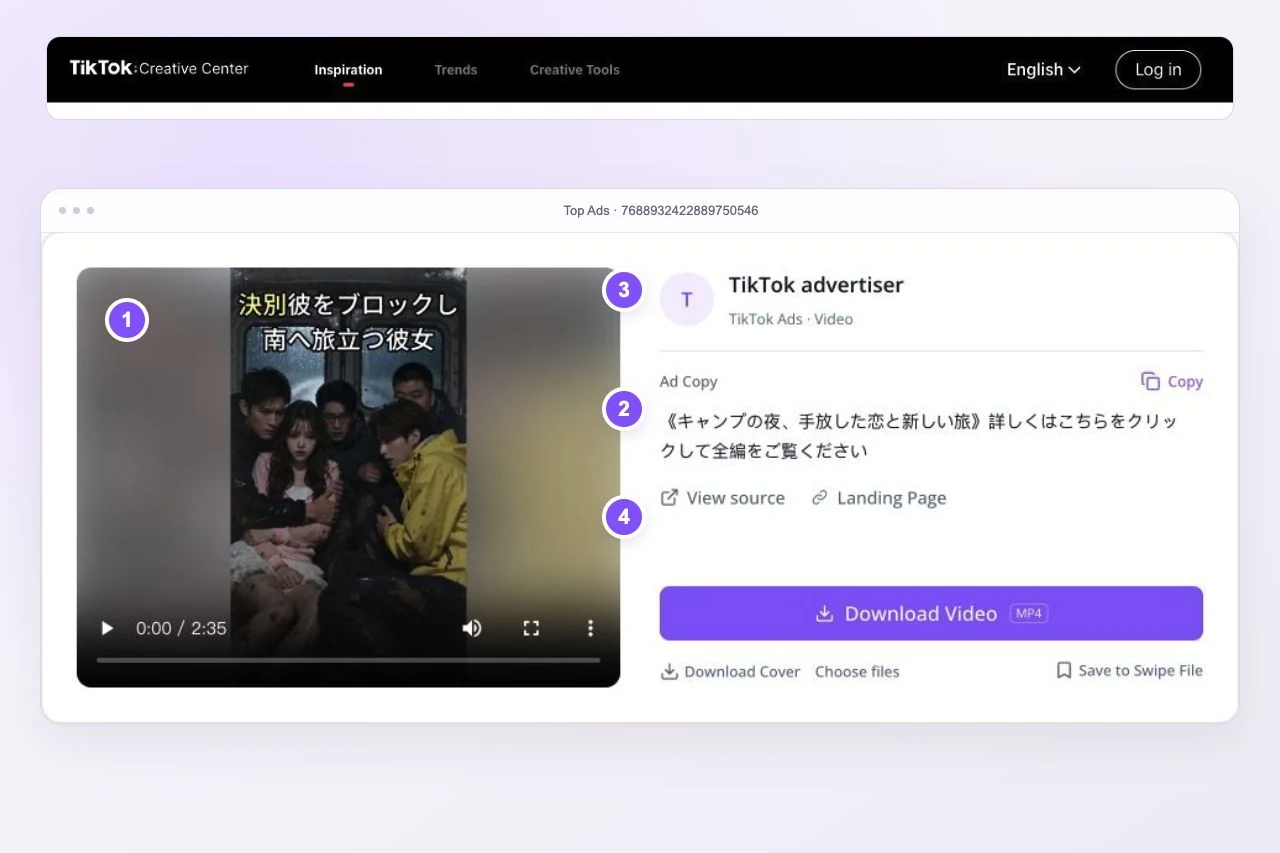
Video or image assets
Choose available video or image files in TikTok Ad Downloader. Inspect the actual media before adding it to your reference set.
Available ad copy
Read the ad copy returned by TikTok Ad Downloader and keep it beside the creative. This connects the visual treatment with the advertiser's message.
Advertiser and destination
Check the CTA and landing page supplied with TikTok Ad Downloader results. Use them to understand the offer and the next action shown in the ad.
Original source
Keep the original library or Creative Center URL from TikTok Ad Downloader. Reopen it when checking an example or sharing your research context.
Returned fields vary by source. Use public ad details to study creative decisions; assess campaign performance with your own advertising data.
Turn saved ads into your next creative brief
Turn TikTok Ad Downloader references into an organized research set. Collect relevant examples, compare their hooks and offers, then prepare your next creative brief and test direction.
Collect
Collect relevant media with TikTok Ad Downloader and retain its source link. Choose examples that match the product, audience or format you are researching.
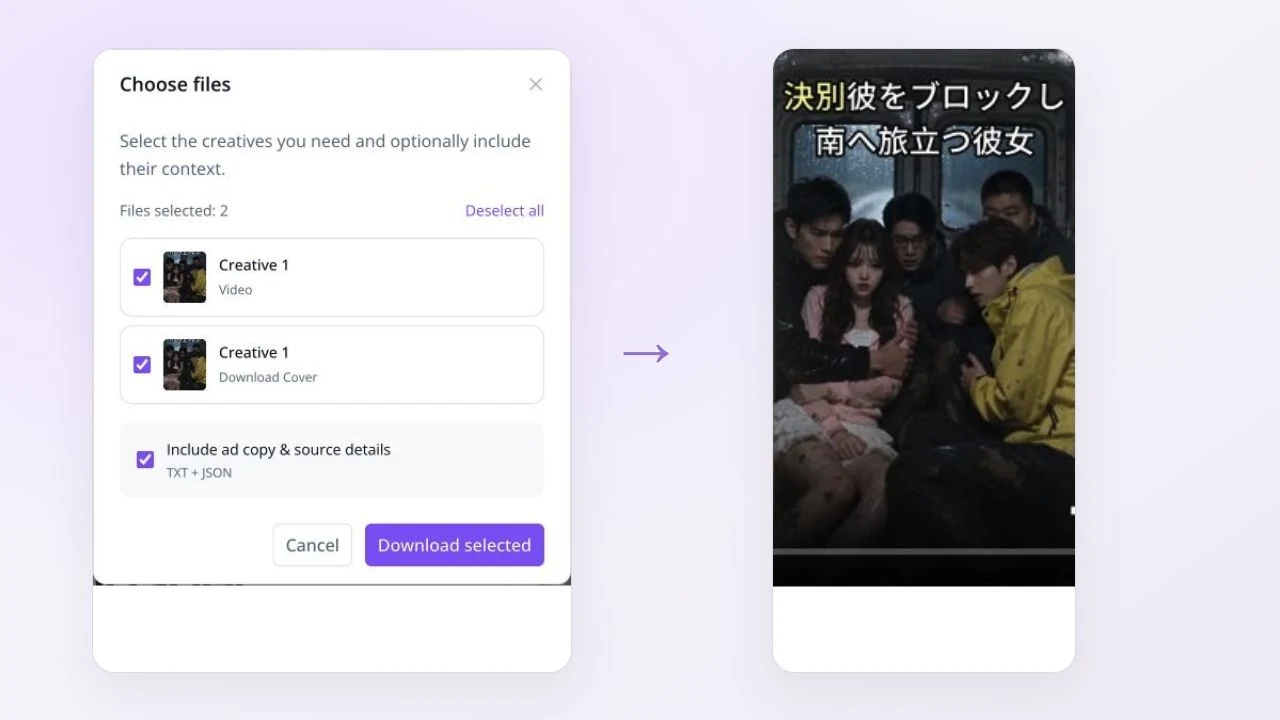
Organize
Save selected TikTok Ad Downloader references to Swipe File after signing in. Organize them in a board around one product, campaign or research question.

Analyze
Compare TikTok Ad Downloader references for their opening hook, demonstration, offer and CTA. Write down the pattern you want to explore in your own creative.
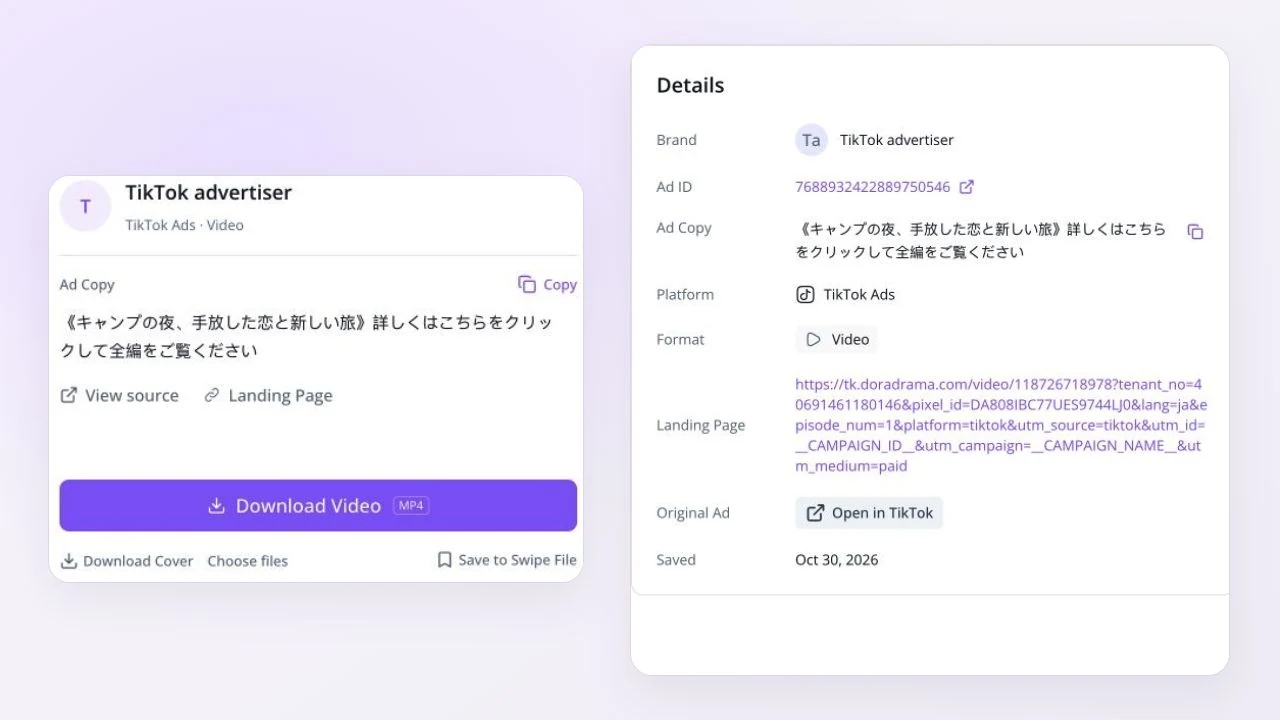
Apply
Build a brief from your TikTok Ad Downloader reference set: include source links, the pattern you noticed and a fresh hypothesis to test.
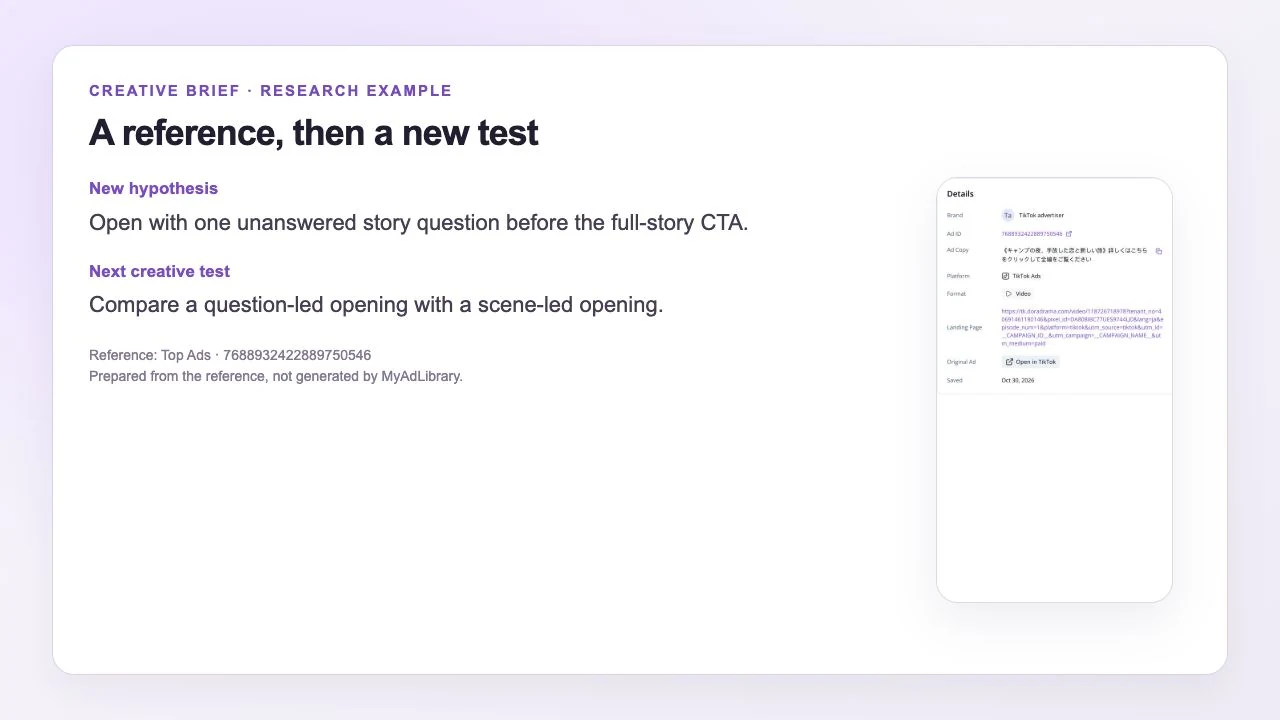
Use the collected references to develop your own brief and test plan.
Open Swipe FileUser Reviews
Explore six example workflows for collecting, comparing and organizing ad references.

Performance Media Buyer
I'd start an advertiser review with Commercial Content Library and keep Creative Center references in a separate source group. That would make it easier to understand what I was comparing.

Creative Strategist
I'd download a Top Ads creative and study how the opening leads into the demonstration. With the source and available copy beside it, I'd prepare a new hook to test.

Brand Marketing Lead
For a brief, I'd collect relevant TikTok ads in a Swipe File board and note their offers and CTAs. I'd use the ad source to distinguish advertising references from ordinary creator posts.

Ecommerce Founder
I'd use Creative Center to explore product demonstrations and download a relevant Top Ads reference. Then I'd outline a new demonstration for my own product, with a clear opening and next step.

Agency Strategist
For a client review, I'd collect available advertiser-filtered ads from Commercial Content Library and group the references in Swipe File. I'd keep source links with my notes for the next brief.

Freelance Ad Researcher
I'd study the pacing and on-screen message of a downloaded TikTok ad, then check any copy and destination details provided. I'd turn those observations into a test plan with clear reference links.
TikTok Ad Downloader FAQ
Is downloading free, and do I need to sign up?
TikTok Ad Downloader is free to use without sign up within the available download allowance. Follow the current limit message in the tool. Sign in to save selected ads to Swipe File.
Can I download ads from both TikTok Ad Library and Creative Center?
TikTok Ad Downloader supports Commercial Content Library ad details and advertiser-filtered collections, plus supported Creative Center Top Ads links. Use the full source URL so the tool can identify the correct creative or collection.
How do I use the TikTok Creative Center video downloader?
Open a Top Ad in Creative Center, copy its link and paste it into TikTok Ad Downloader. Review the returned creative and use the download action for the files you need.
Can I download TikTok ads by advertiser in bulk?
Yes. Start TikTok Ad Downloader with a Commercial Content Library URL with the advertiser selected. Review the returned set, open ads for file downloads, and save selected references after signing in.
Can I download every ad involving a particular TikTok creator?
Use an advertiser-filtered Commercial Content Library URL in TikTok Ad Downloader for paid-ad research. A creator profile URL retrieves public account content and may include ordinary posts as well as promotional content.
What does the download include?
TikTok Ad Downloader shows the available media and source information. Depending on the creative, the result can include ad copy, advertiser details, CTA and landing-page links. Select files or use the export actions shown for that ad.
Can I save ads to a Swipe File?
Yes. After reviewing an ad in TikTok Ad Downloader, sign in and choose a folder and board when saving. Device downloads keep the files locally; Swipe File helps you organize references for later research.
Why might an ad link return no media?
Check the complete source URL in TikTok Ad Downloader and confirm the original ad still opens. Deleted creatives, regional access and source changes can affect results. Try the specific ad-detail link when a general search URL does not return the creative.
Can downloaded ads tell me which creative is winning?
Use TikTok Ad Downloader to collect examples and compare creative patterns such as hooks, offers and demonstrations. A public ad reference provides research context; validate your next creative hypothesis through your own campaign tests.
MyAdLibrary
Keep TikTok ad inspiration ready for the next brief
Start your next research session with TikTok Ad Downloader. Download useful creatives, keep their sources and organize the references you want to revisit before your next brief.
Download ads free