Download Instagram posts, Reels, profiles and Meta ads.
Preview, choose your files, and keep the source.
Try an example
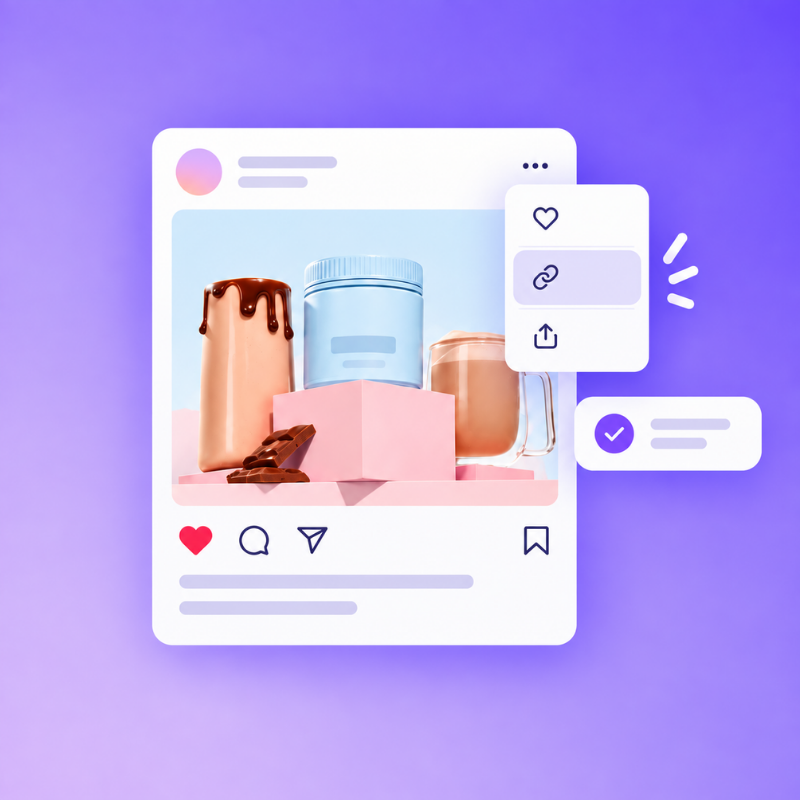
1Paste a link
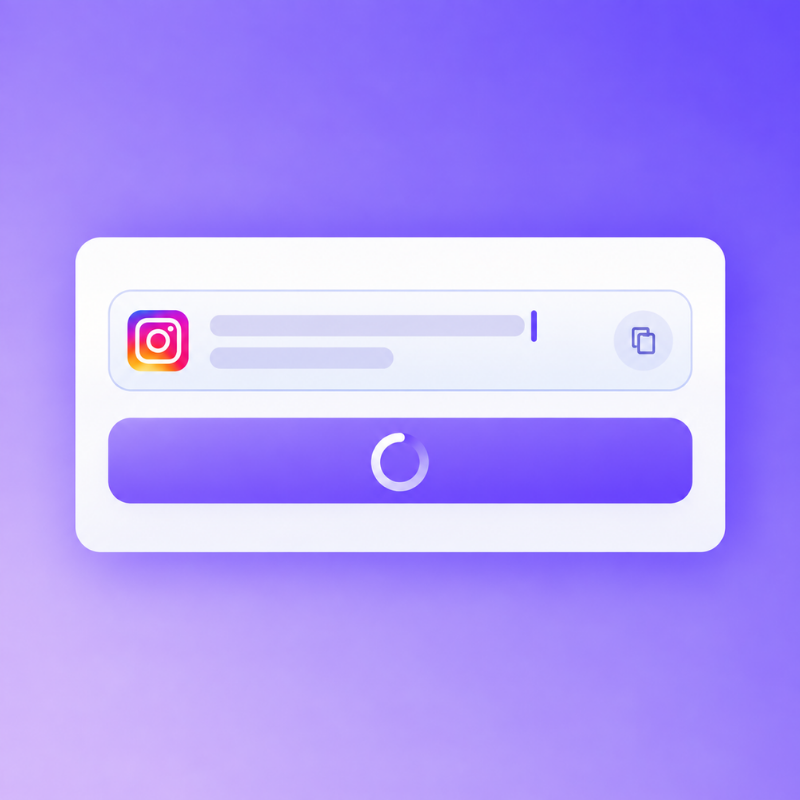
2Preview & choose
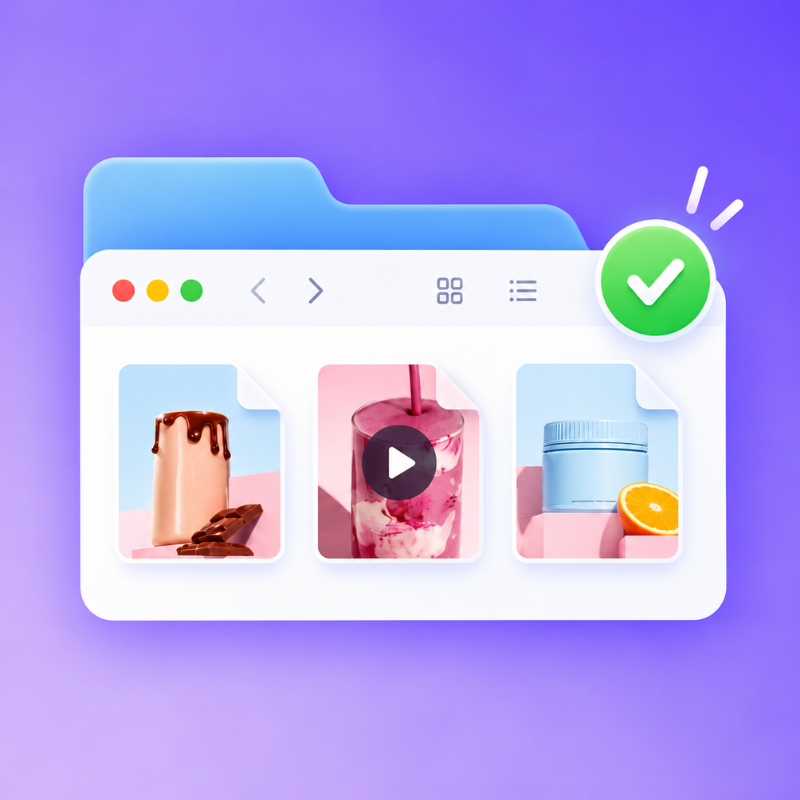
3Download
Instagram Ad Downloader - Bulk Download INS Ads Free Online
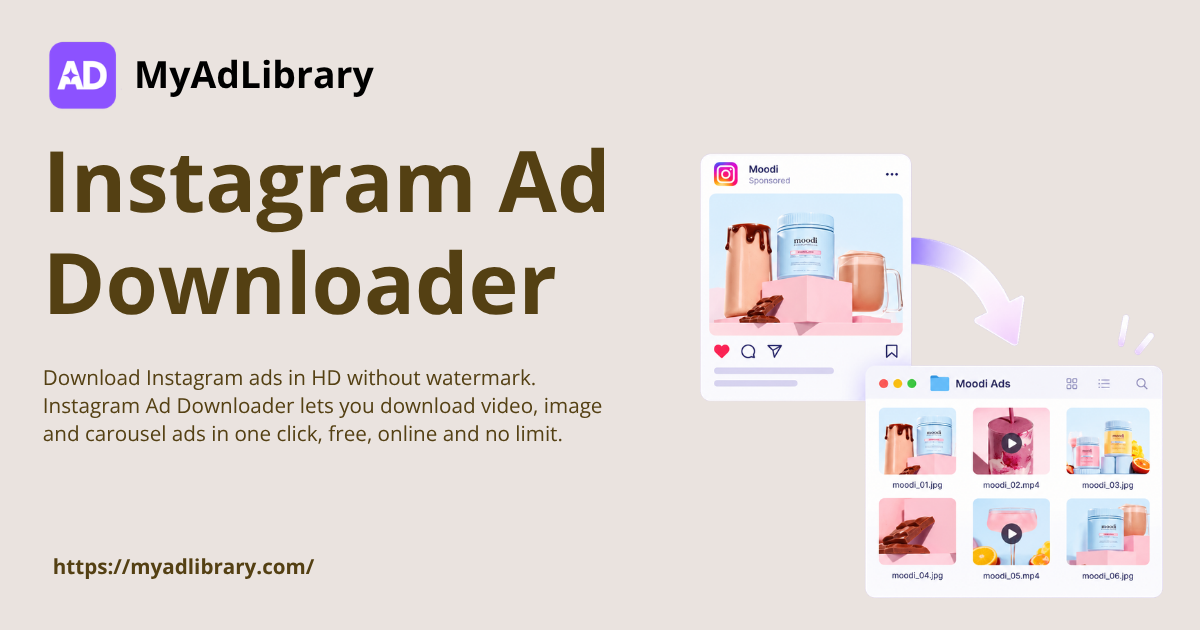
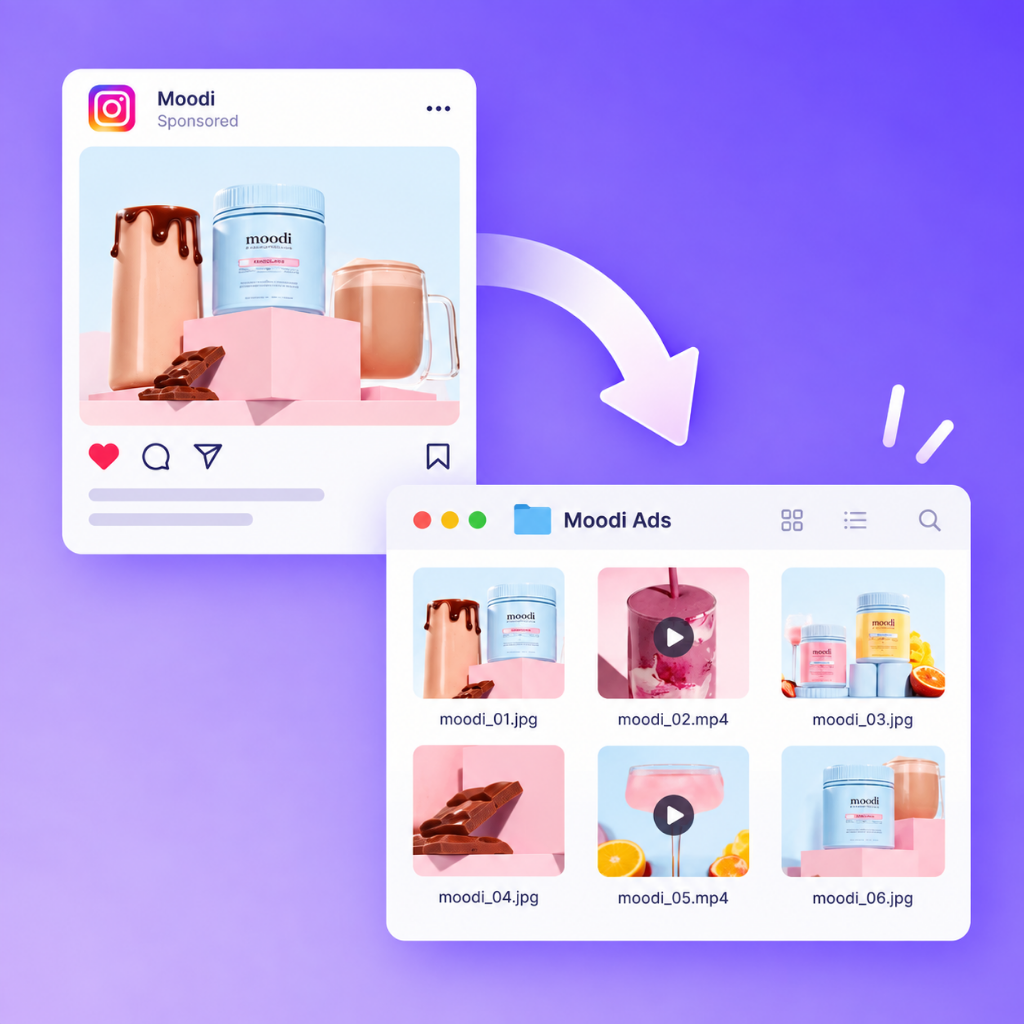
Download Instagram ads in HD without watermark. Instagram Ad Downloader lets you download video, image and carousel ads in one click, free, online and no limit.
Instagram Ad Downloader saves public Instagram ad creatives to your device as original-quality files. Paste any ad link from Meta Ad Library or Instagram to pull the video, image or carousel file for study. Pair it with Instagram Ad Library and Facebook Ad Downloader for a wider view.
Why Choose Instagram Ad Downloader?
Instagram Ad Downloader turns any public ad link into a real file you can open, trim and archive. Files arrive in HD and without watermark, so on-screen text stays readable. Bulk download saves a whole page of competitor ads in one pass instead of one at a time. Usage is free with no limit.
Why Saving Instagram Ads Is Harder Than It Looks
Keeping a record of Instagram ads usually means screenshots and screen recordings. Right-click is blocked, so video can only be captured by recording the tab, which leaves a soft file. Copying a link shows the ad but never gives you the file itself. Instagram Ad Downloader hands over the original.
What Instagram Ad Downloader Does Best
Every part of this tool is built around one job: getting the original ad file out of the browser and onto your disk with as few clicks as possible.
One-Click Ad Downloads
Paste an ad link, press download and the file lands in your folder. No extension, no developer tools and no screen recording step at all.
Bulk Download Support
Save a whole page of competitor ads in one pass instead of repeating the same click fifty times. Handy when you screen a brand end to end.
HD Files, No Watermark
Files come back at the resolution Instagram serves and carry no overlay, so hooks, captions and on-screen text stay readable for review.
How to Download Instagram Ads
Step 1: Copy the Ad Link
Open the ad on Instagram or in Meta Ad Library, tap the share icon and copy its link. Every public ad card has a unique URL you can reuse.
Step 2: Paste It Into the Box
Paste the link into the box on the page and press start. The tool reads the ad, identifies the ad format and prepares the original file.
Step 3: Download the File
Press download and the video or image saves in HD with no watermark. Repeat the paste for each ad, or queue several when a page has many.
Download Instagram Ads Free, Online and Without Limit
Paste any public ad link and pull the original video or image file in seconds. Free usage, HD quality and no download limit, all inside your browser.
As a media buyer, I run creative research every Monday, and Instagram Ad Downloader is now the first tab I open. I pull the ads a competitor has been running longest, download them, and compare hooks side by side. What used to take an afternoon of screen recording now takes about ten minutes, and the files are sharp.
Priya Nair
Content Creator
I recreate winning ad formats for clients, so I need real reference files rather than screenshots. Instagram Ad Downloader gives me the original video, and working without sign up means I can hand it to a junior editor on day one. The HD output has changed how closely we match pacing, timing and on-screen text.
Marcus Webb
Agency Owner
Our whole team uses Instagram Ad Downloader during competitor audits. We collect ads for a client's category, download them in bulk, and build a shared swipe file for the team. Because files arrive without watermark, we can show a client exactly what a rival is running instead of describing it in a deck.
Sofia Lindqvist
Ecommerce Seller
Running a store means watching what other sellers test, and Instagram Ad Downloader makes that practical. I download carousel and video ads from brands in my niche, then compare offers, discounts and how each ad opens. Bulk download saves me from pasting links one at a time, and free usage means I never had to open a second subscription.
Tomas Herrera
UGC Creator
Clients send me a brief and a competitor link, and I need to understand the format fast. With Instagram Ad Downloader I save the ad in HD, drop it into my timeline and match the pacing. No watermark keeps my reference file clean, and no sign up means I am not creating another account just to grab one video before a call.
Aisha Rahman
Performance Marketer
Instagram Ad Downloader has become part of my weekly routine. I pull the top ads in my vertical, download them, and log which angles repeat across brands. Because downloads are unlimited and files are HD, my swipe file is now wide enough to spot patterns instead of guessing from screenshots. It has sharpened my briefs.
Frequently Asked Questions About Instagram Ad Downloader
Ads shown in Meta Ad Library are public, and saving them for research or internal review is ordinary marketing practice. Instagram Ad Downloader does not bypass privacy settings or reach private content. What you should avoid is republishing someone else's creative as your own or reusing copyrighted footage, music or talent.
Video ads come back as MP4 at the resolution Instagram serves, and image ads save as JPG or PNG. Carousel posts are handled card by card so you keep every slide. Instagram Ad Downloader keeps the original encoding, so files keep clean detail without watermark. If an ad exposes a lower-quality source, the tool returns the best version available.
Instagram Ad Downloader processes the link and hands the file to your browser, so downloads are not kept as a library on our side. Your links and files are not sold or shared with advertisers. That matters when you work on client accounts, because competitor research often contains material you would rather not spread around.
Instagram Ad Downloader runs in the browser, so it does not depend on a phone platform or an installed app. It works on Windows, macOS, Android and iOS, in current versions of Chrome, Edge, Safari and Firefox. That helps when a designer on macOS and a media buyer on Windows need to open the same file.
Instagram Ad Downloader offers free usage with no sign up, and downloads are not capped by a daily counter. Longer sessions are limited by how many links you paste rather than by a quota. For teams auditing a whole category, bulk download means the work scales with the number of ads rather than the number of clicks.
Instagram Ad Downloader can only return files for ads the platform still exposes. Once a campaign is pulled, the source media is removed from public view and there is nothing left to fetch. Save ads into your swipe file while they are live, because a winning angle often disappears the moment the campaign ends.
Instagram Ad Downloader is built for bulk download rather than a fixed per-batch number. You can work through a result page of ads in sequence and save the videos and images you need without returning to the copy step each time. Practical batch size depends on browser memory and connection speed. Very large audits simply run in smaller passes.
Carousel ads are handled as a set so you keep every card rather than just the opening image, and story ads come back in their vertical format. Instagram Ad Downloader treats ad formats the way the platform serves them, so a vertical video ad stays vertical instead of being cropped into a square. Keeping the original ratio matters for safe zones.
Instagram Ad Downloader does not ask you to sign up, log in or connect a social profile to download an ad. You paste a public link and get a file, which keeps the workflow short and avoids linking your identity to competitor research. That also means no password to manage and no profile data to delete later.
Most failures come from the link rather than Instagram Ad Downloader. A profile URL, a shortened share link or a link to a private post will not resolve, because there is no public ad file behind it. Copying the link from the ad card itself, or from the Ad Library entry, resolves almost every case. A fresh link usually clears it.
Instagram Ad Downloader only reads publicly available ad content, so ads tied to a private account cannot be pulled. That is a platform restriction rather than a limit in the tool. In practice almost all paid advertising is public by design, because Meta serves it broadly across placements. If a link fails, check that the ad is still live.
Instagram Ad Downloader returns the highest version the source makes available, which for most video ads is full HD and for image ads is the original upload size. Files are not resized, watermarked or re-encoded, so the frame detail you inspect is the detail viewers saw. When a source only exposes a lower-quality asset, the file matches it.